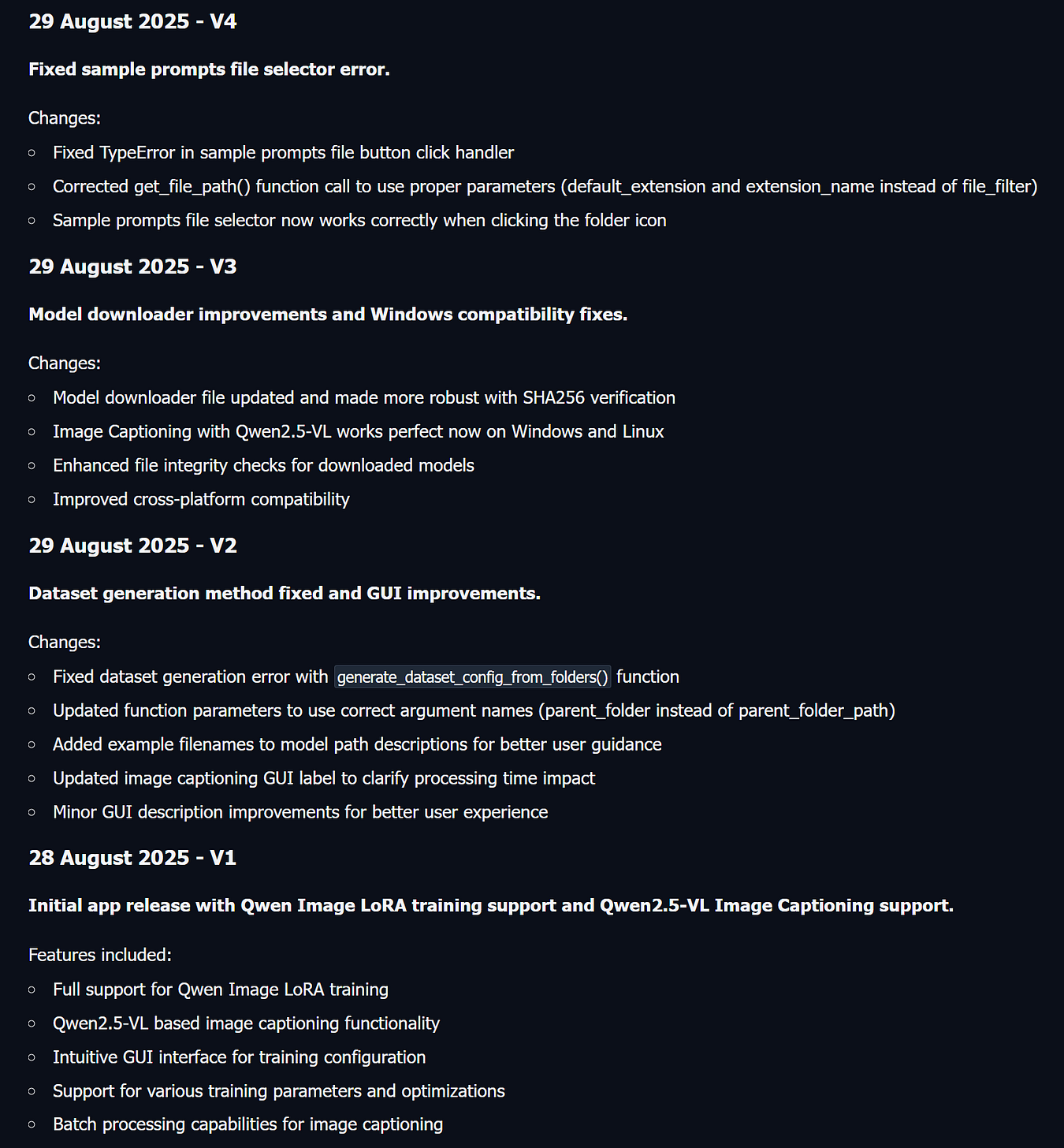



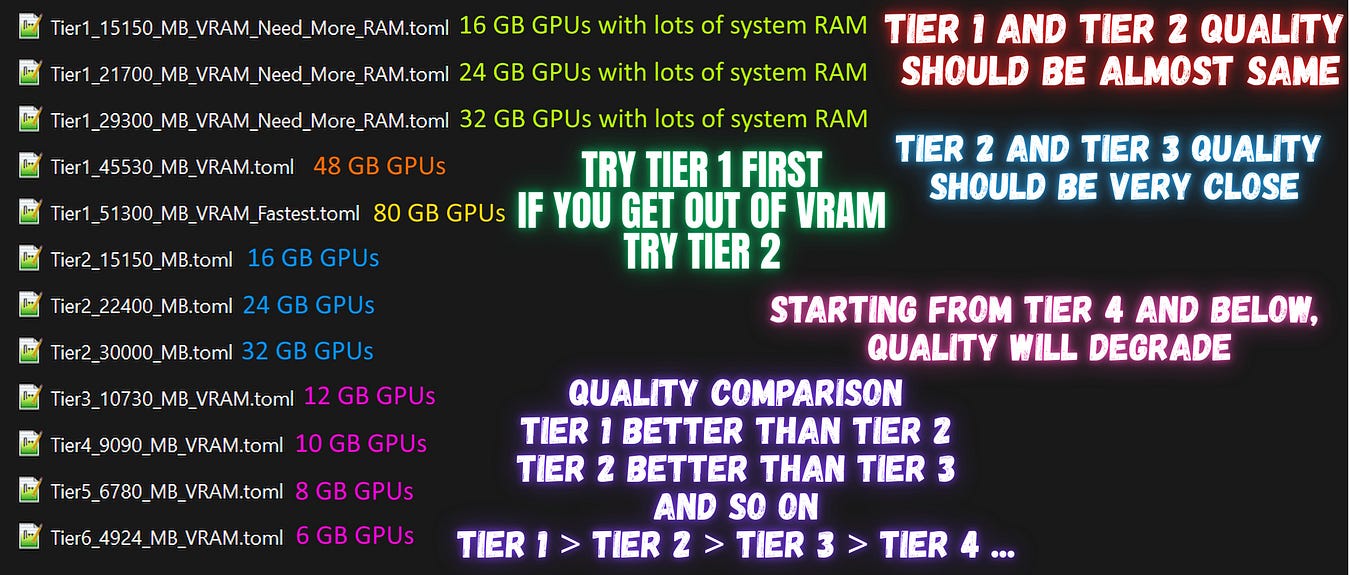
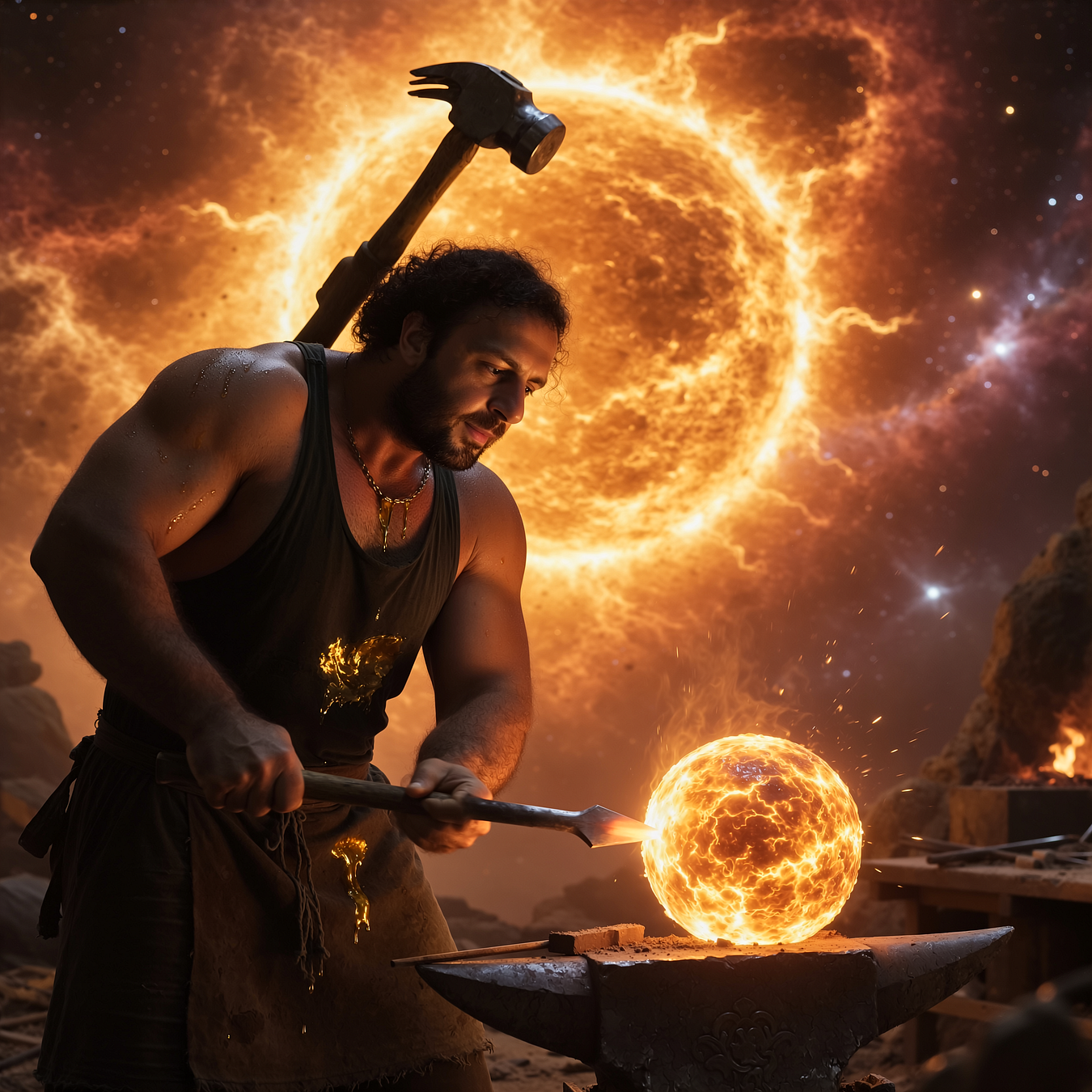
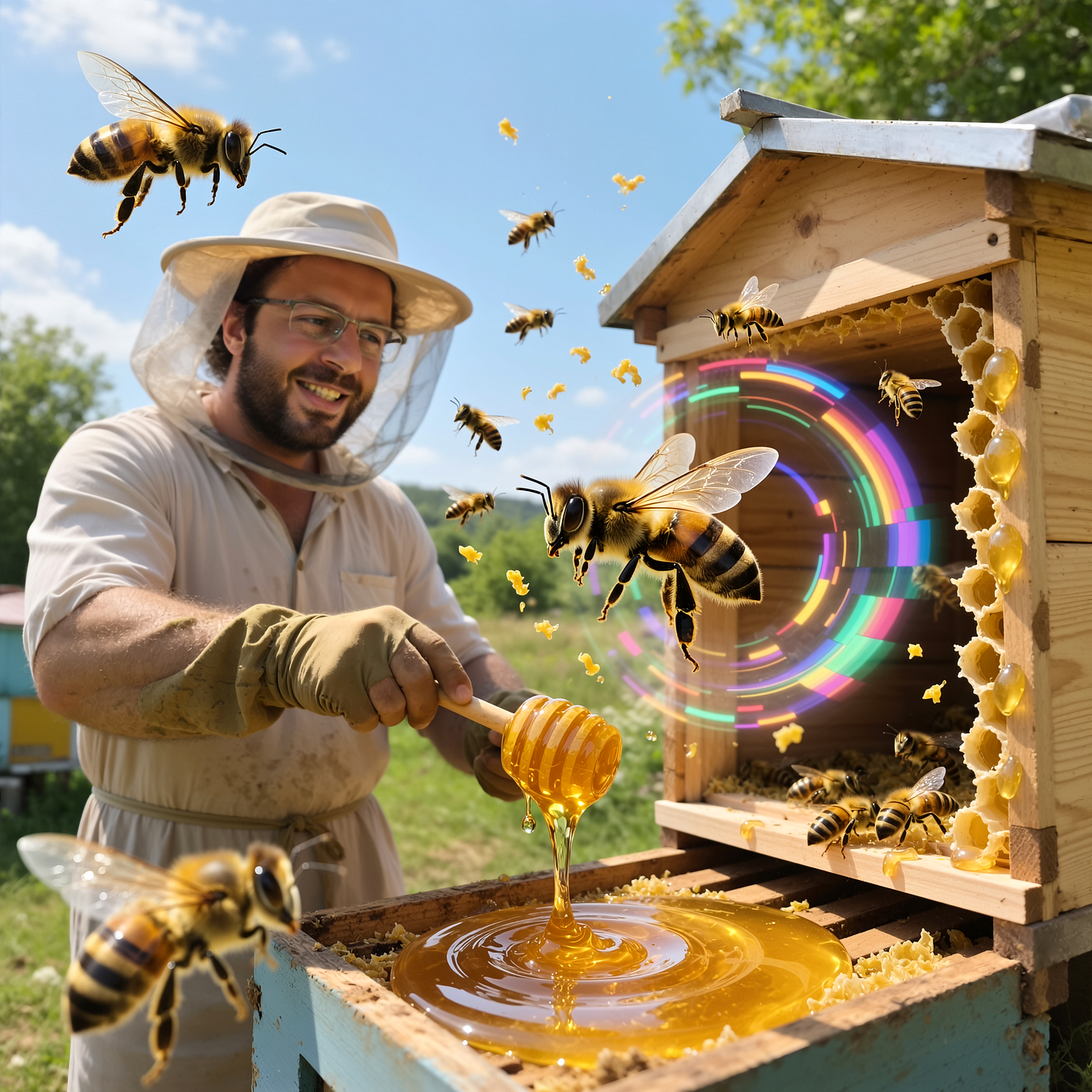
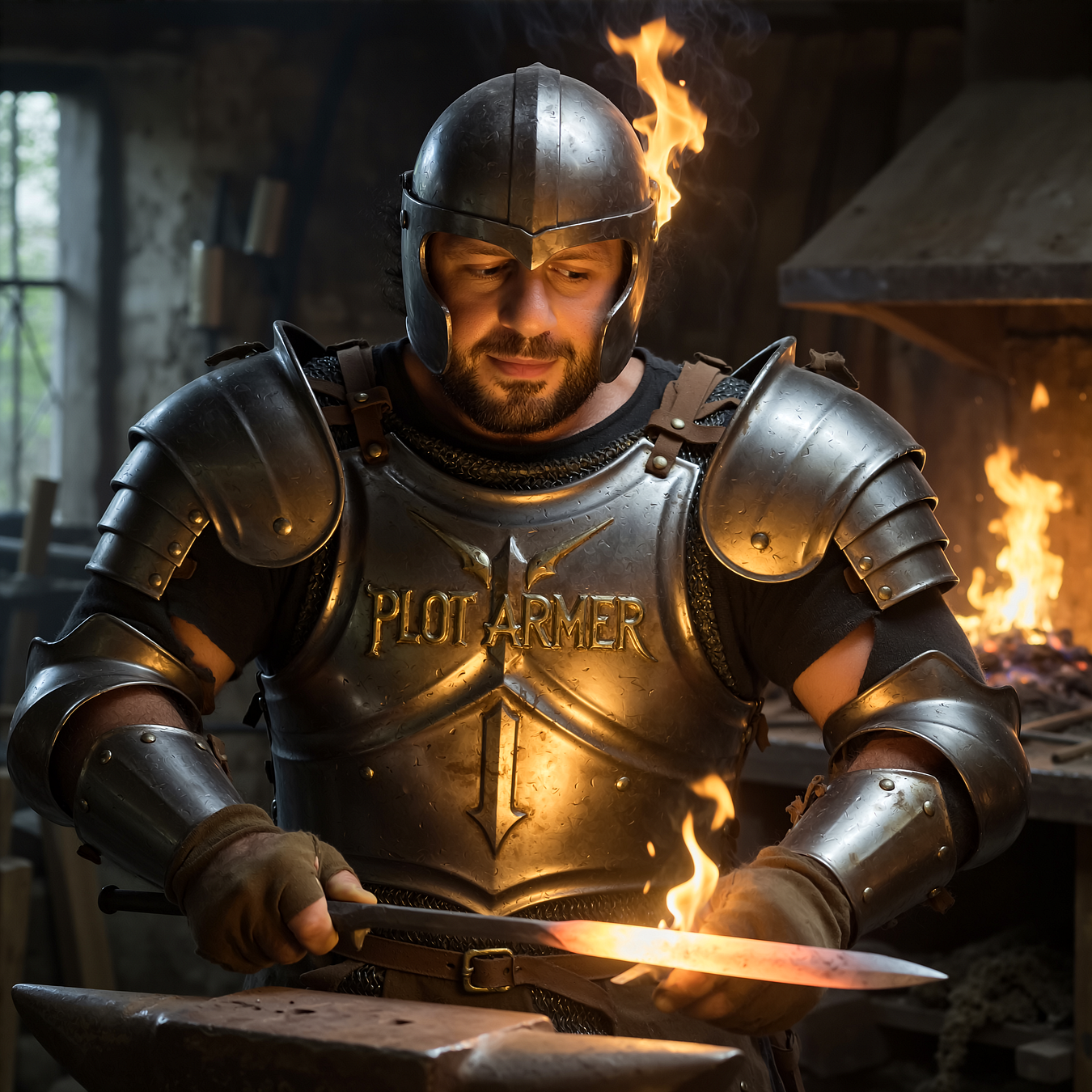
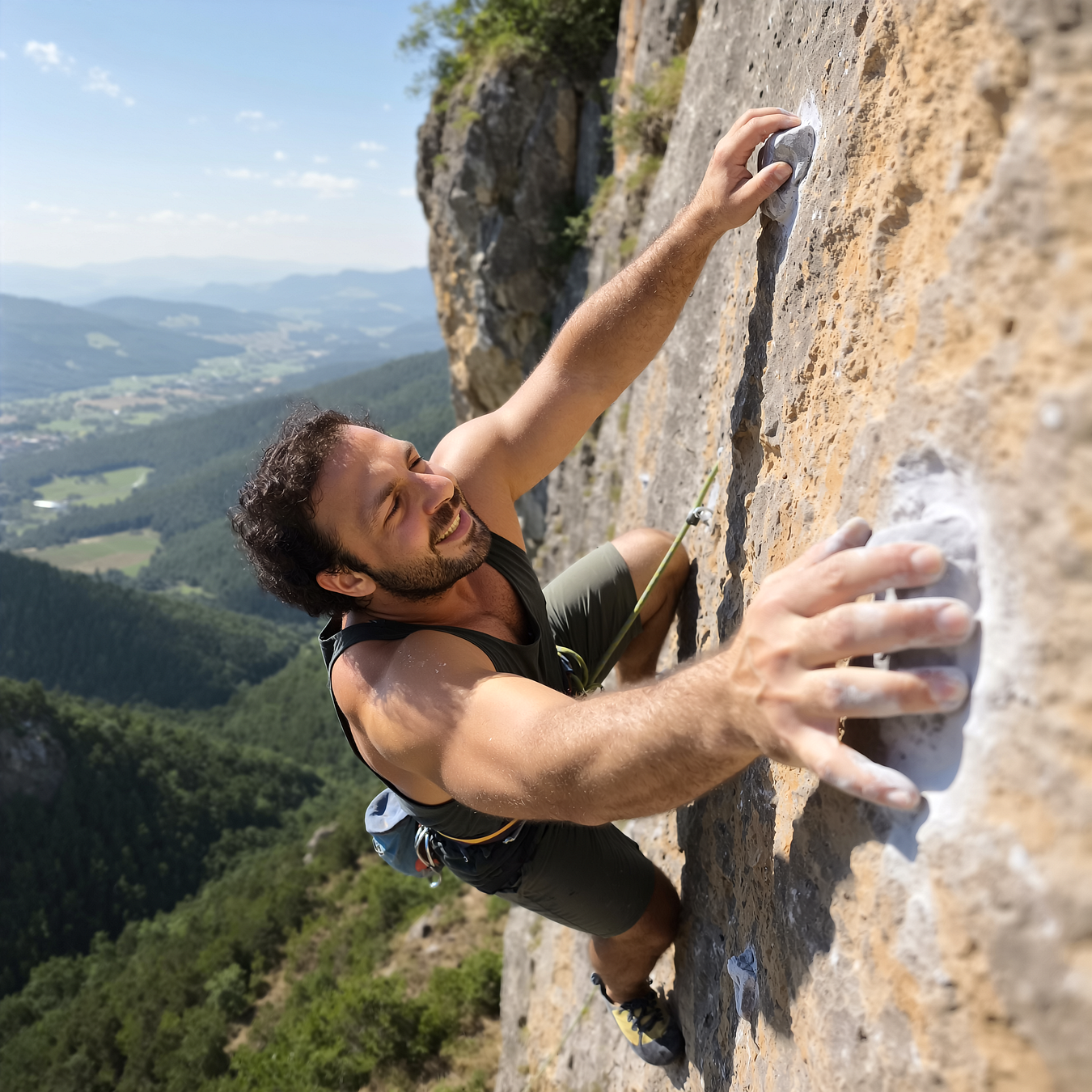
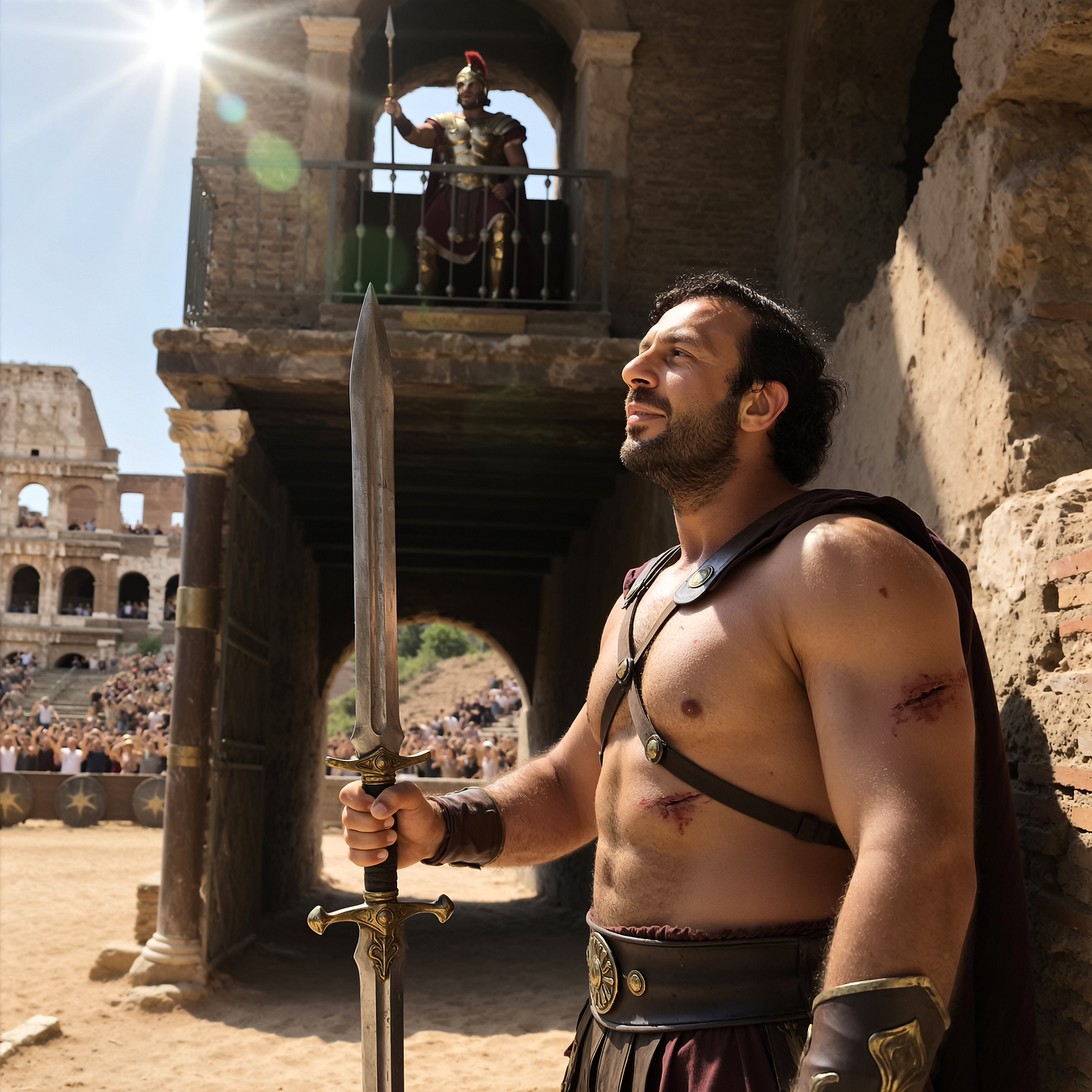
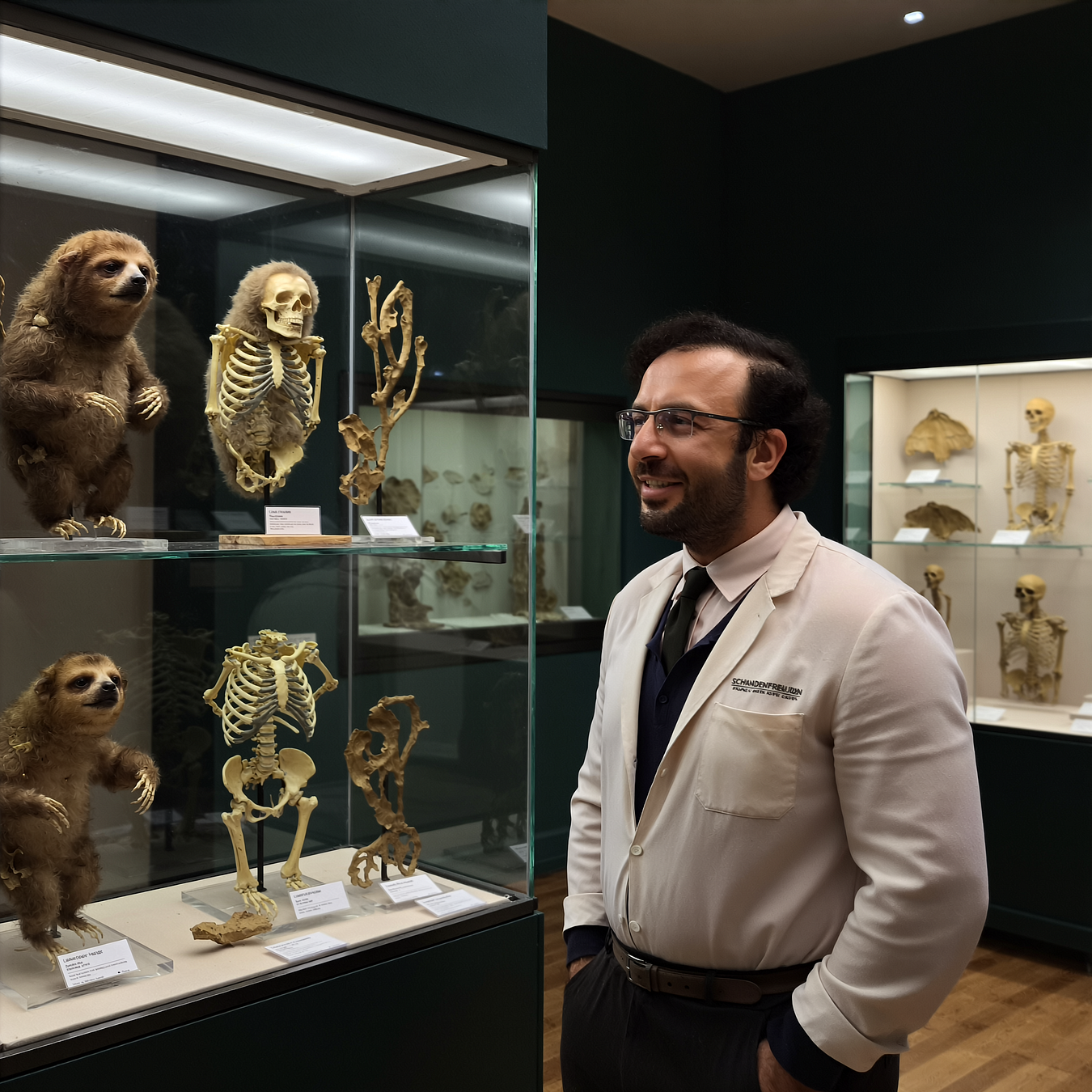
Qwen Image LoRA trainings Stage 1 results and pre-made configs published — As low as training with 6 GB GPUs — Stage 2 research will hopefully improve quality even more — Images generated with 8-steps lightning LoRA + SECourses Musubi Tuner trained LoRA in 8 steps + 2x Latent Upscale
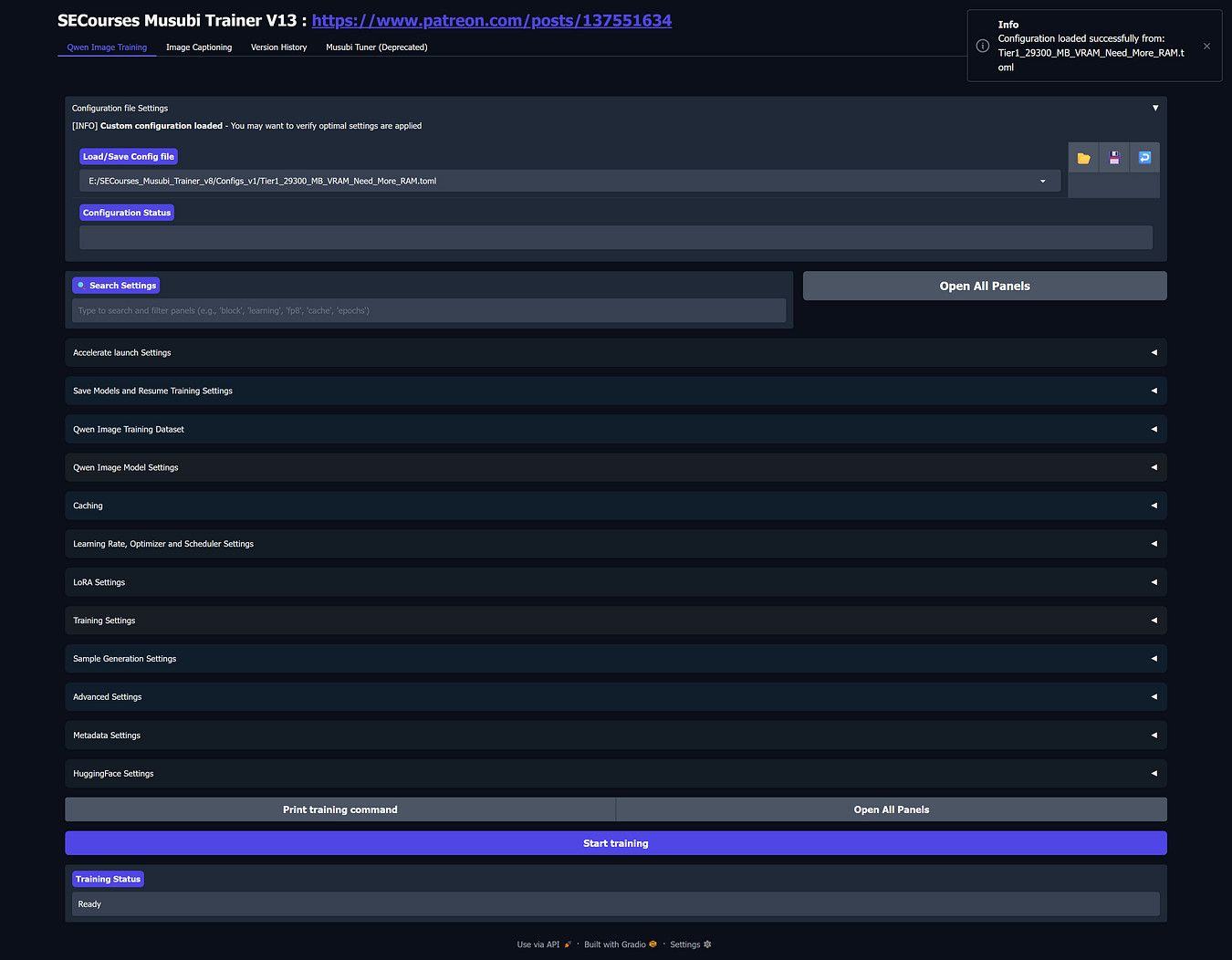
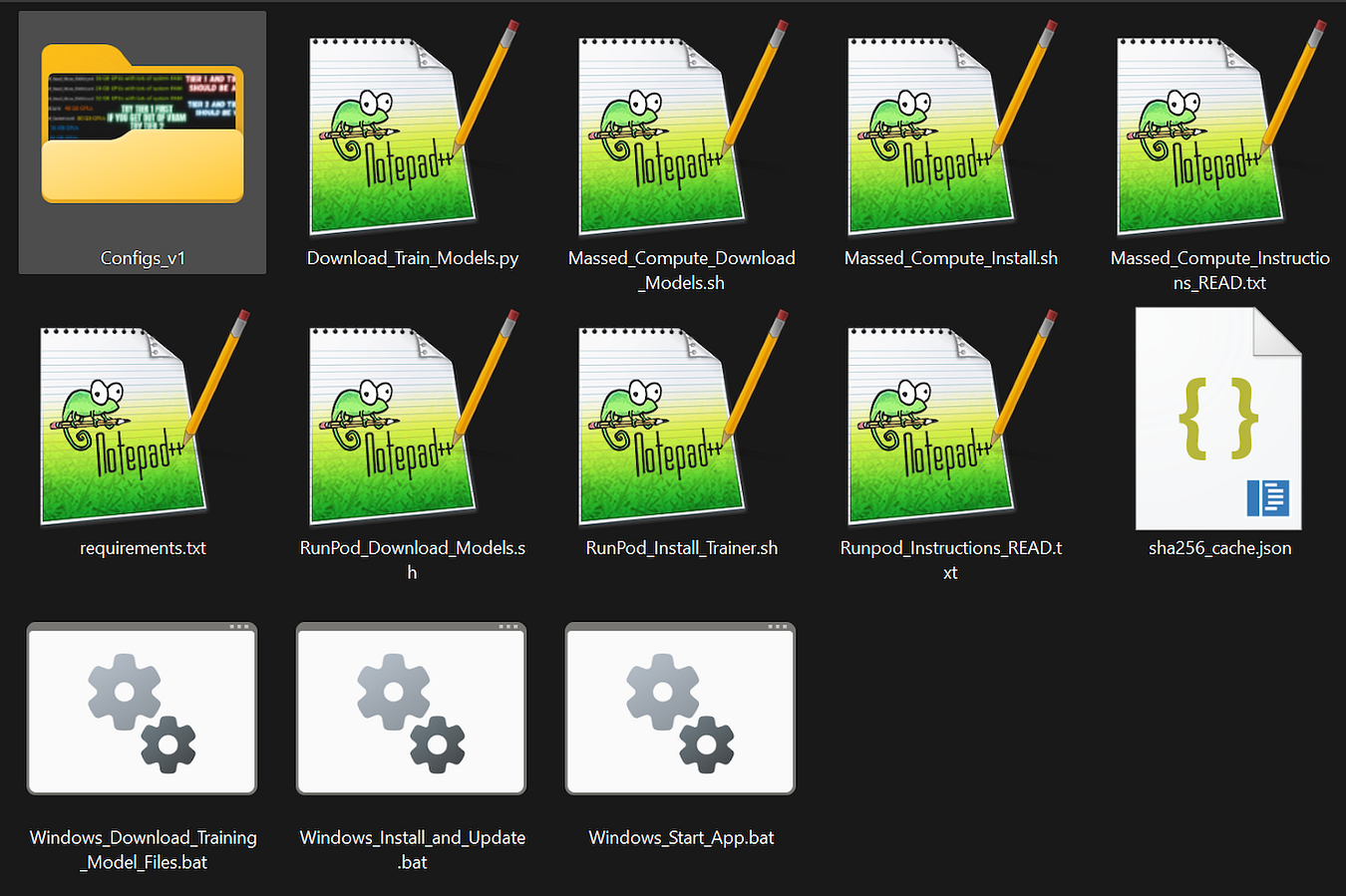
1-click to install SECourses Musubi Tuner app and pre-made training configs shared here : https://www.patreon.com/posts/137551634
Hopefully a full video tutorial will be made after Stage 2 R&D trainings completed
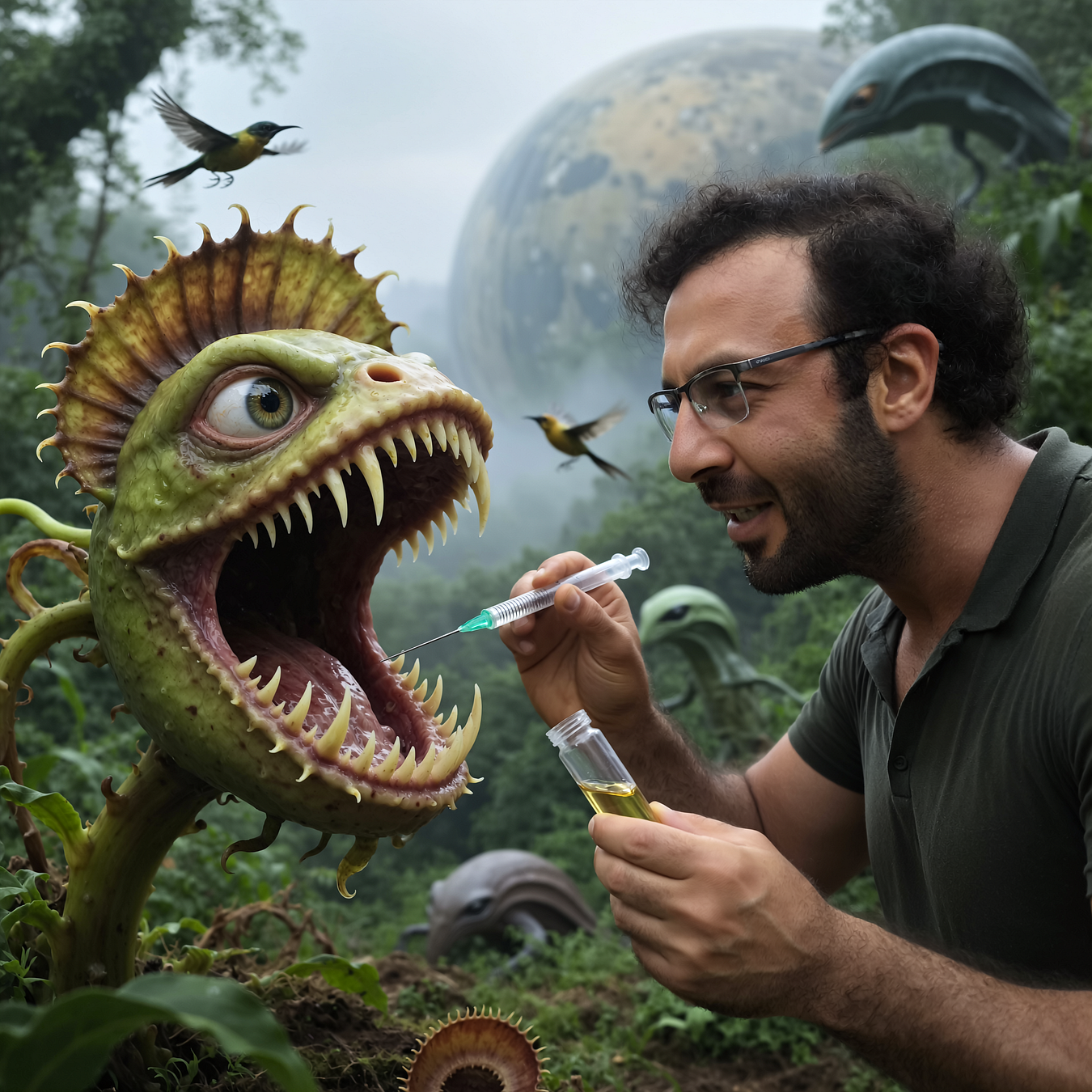
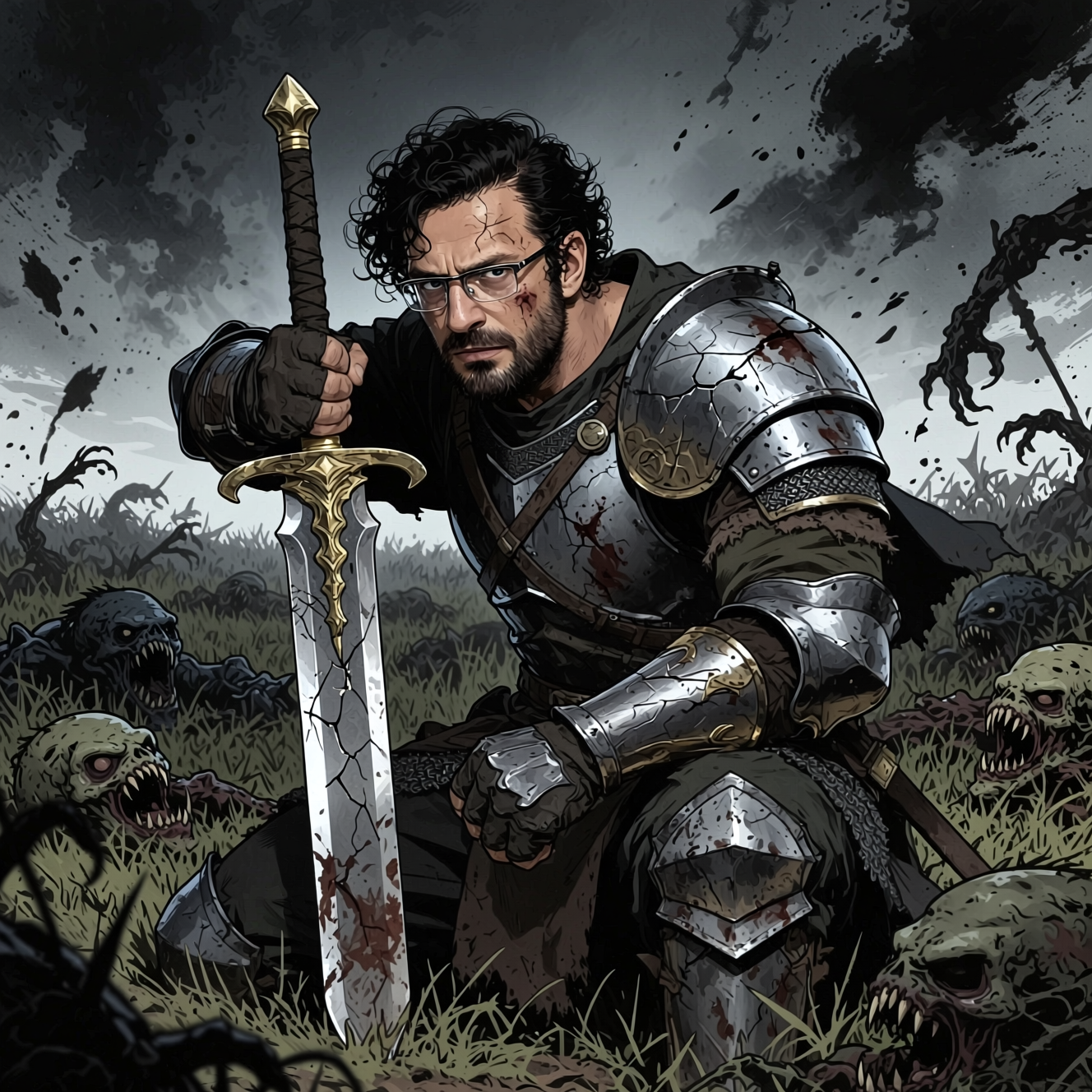
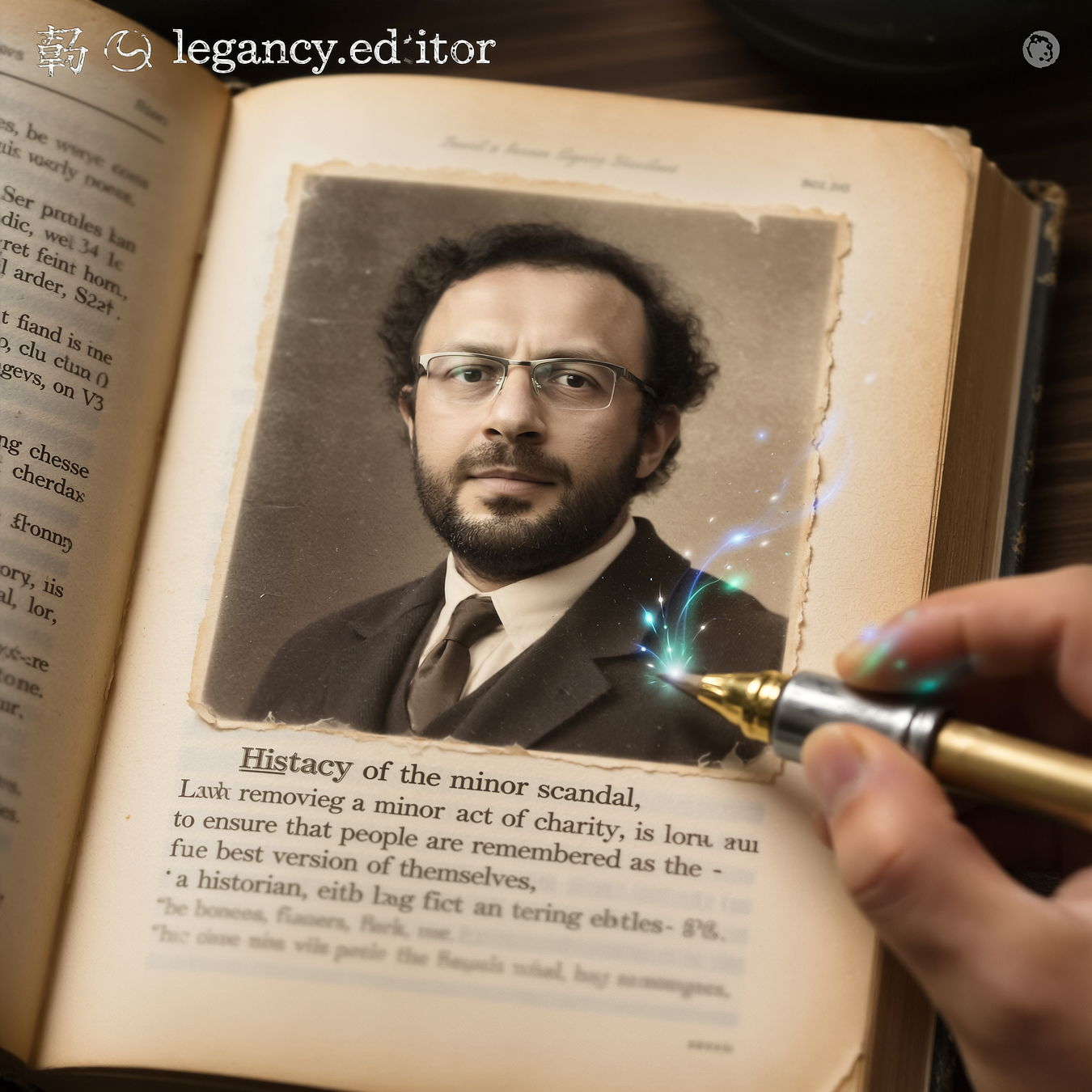
Example training made on the hardest training which is training a person and it works really good. Therefore, it shall work even much better on style training, item training, product training, character training and such
Stage 1 took more than 35 unique R&D Qwen LoRA training
1-Click installer currently fully supporting Windows (local), RunPod (Linux & Cloud) and Massed Compute (Linux & recommend Cloud) training for literally every GPU like RTX 3000, 4000, 5000 series or H100, B200, L40, etc
28 images weak dataset is used for this training
More angles having dataset would perform definitely better
Moreover, i will make a research for a better activation token as well rather than ohwx
After Stage 2, I am expecting hopefully much better results
1-click to install SECourses Musubi Tuner app and pre-made training configs shared here : https://www.patreon.com/posts/137551634
Image prompts randomly generated with Gemini 2.5 in Google AI Studio for free
Higher quality more images shared here : https://medium.com/@furkangozukara/qwen-image-lora-trainings-stage-1-results-and-pre-made-configs-published-as-low-as-training-with-ba0d41d76a05
How to Generate Images
In the zip file of this post : https://www.patreon.com/posts/114517862
We have Amazing_SwarmUI_Presets_v21.json made for SwarmUI
Import it and i am using Qwen Image 8 Steps Ultra Fast to generate images and then apply Upscale Images 2X to make them 4x resolution (1328x1328 to 2656x2656)
Of course in addition to preset don’t forget to select your trained LoRA — I used LoRA strength / scale = 1
This tutorial shows it : https://youtu.be/3BFDcO2Ysu4






Press enter or click to view image in full size

Press enter or click to view image in full size
Press enter or click to view image in full size

Press enter or click to view image in full size
Press enter or click to view image in full size

Press enter or click to view image in full size

Press enter or click to view image in full size

Press enter or click to view image in full size
Press enter or click to view image in full size
Press enter or click to view image in full size
Press enter or click to view image in full size
Press enter or click to view image in full size

Press enter or click to view image in full size

Press enter or click to view image in full size

Press enter or click to view image in full size

Press enter or click to view image in full size

Press enter or click to view image in full size

Press enter or click to view image in full size
Press enter or click to view image in full size
Press enter or click to view image in full size

Press enter or click to view image in full size

Press enter or click to view image in full size
Press enter or click to view image in full size

Press enter or click to view image in full size

Press enter or click to view image in full size
Press enter or click to view image in full size

Press enter or click to view image in full size

Press enter or click to view image in full size

Press enter or click to view image in full size

Press enter or click to view image in full size

Press enter or click to view image in full size

Press enter or click to view image in full size

Press enter or click to view image in full size

Press enter or click to view image in full size

Press enter or click to view image in full size

Press enter or click to view image in full size
Press enter or click to view image in full size

Press enter or click to view image in full size
Press enter or click to view image in full size