
Updated: Jul 3, 2024
toolDownload
1 variant available



On the Web you will find plenty of tutorials on how to create a model for Inpaint, how to automatically redraw/redraw.... even how to change clothes :)
But an automaton... is just an automaton, where is the artist's soul? :)
Why "manual inpaint"? A habit I still have from my days using the A1111. With "manual inpaint" I have very much control over where and what is to be created. It's a matter of choosing the parameters so that the added section doesn't look like it was cut with scissors from another image and pasted in Microsoft Paint ;)
I used this checkpoint: Magical woman - v7 fp16 | Stable Diffusion Checkpoint | Civitai
My workflow for "manual inpainting" is really clear and easy to use:
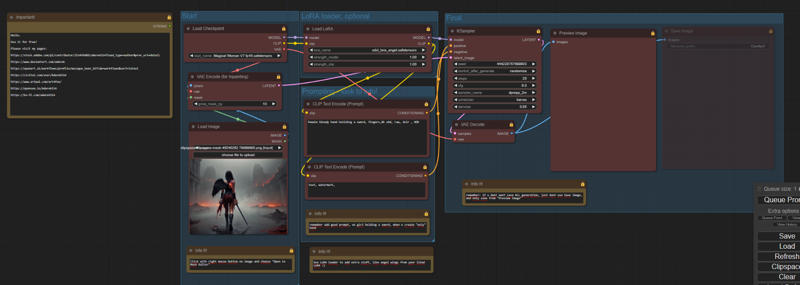 I was save images only when i find good creation, then load them and change section to repair.
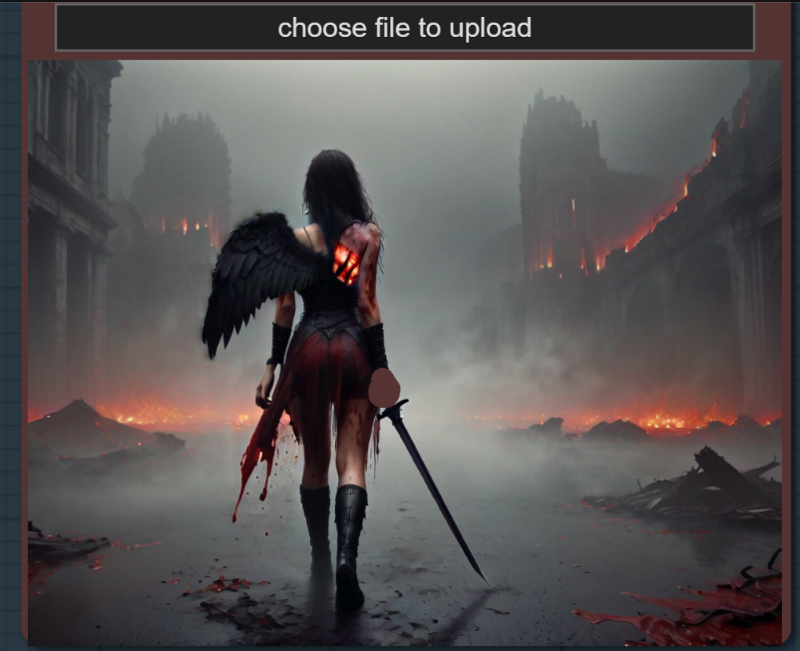
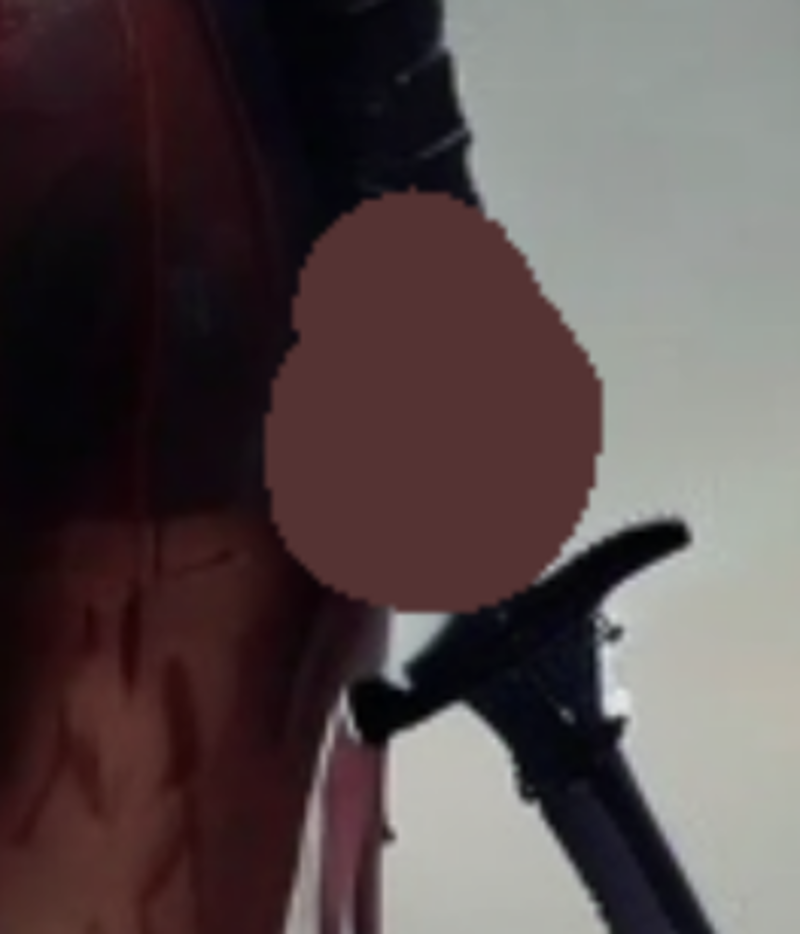
Now, step by step...
Initial image:
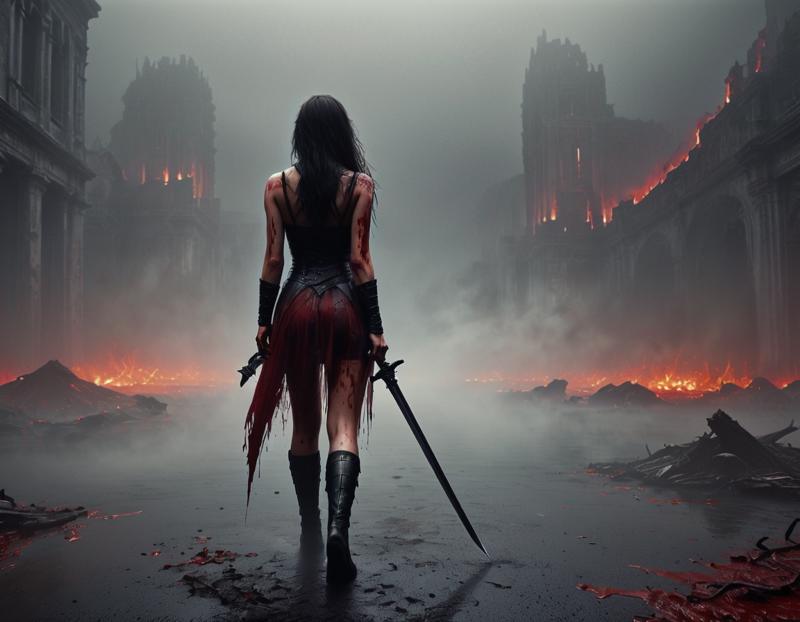 Now adding ONE angel wing (with my Angel LoRA):
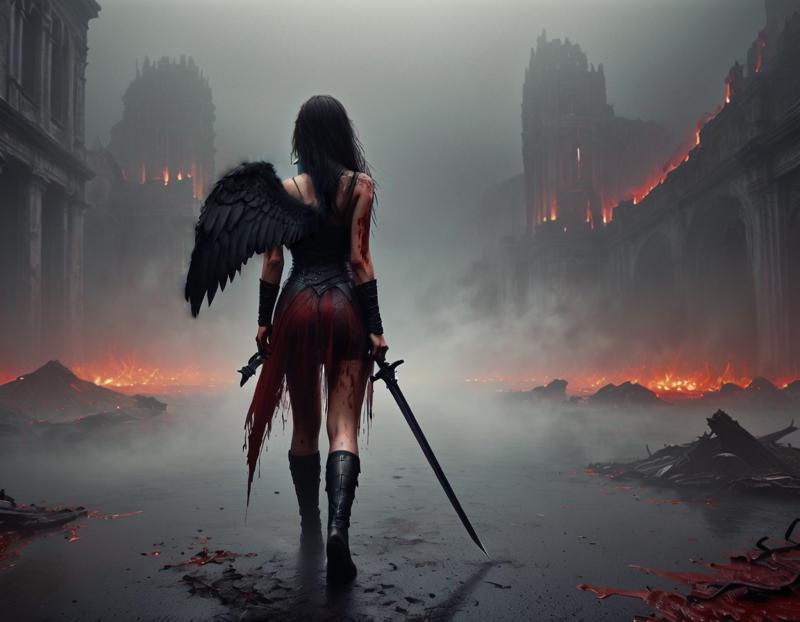
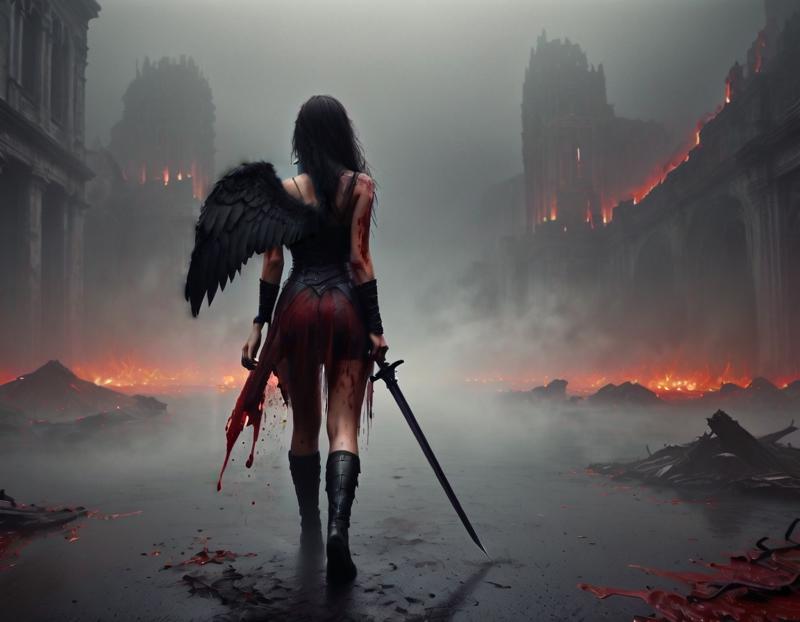
Repair (a bit) left hand (woman,s right hand )
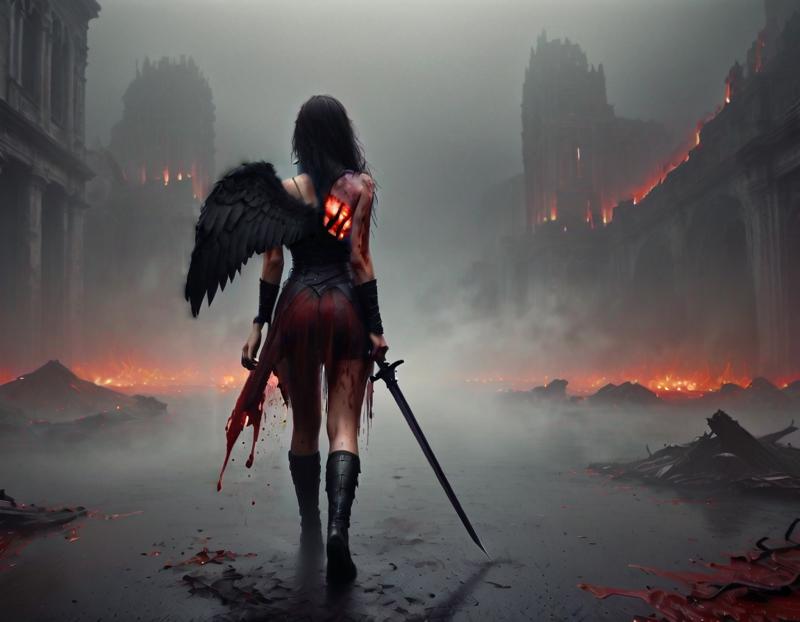
 Adding a wound after a wing lost in battle:
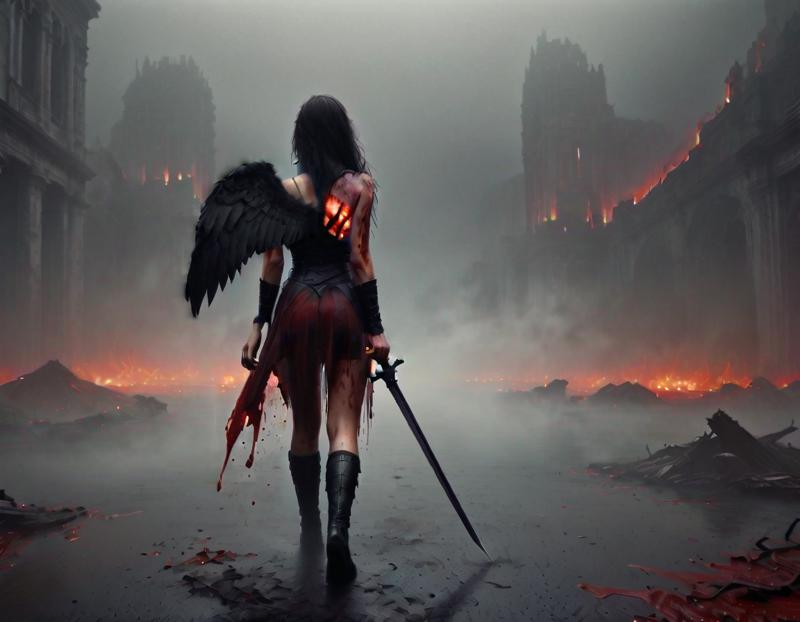
 Repair right hand:
 Upscale to 2K:
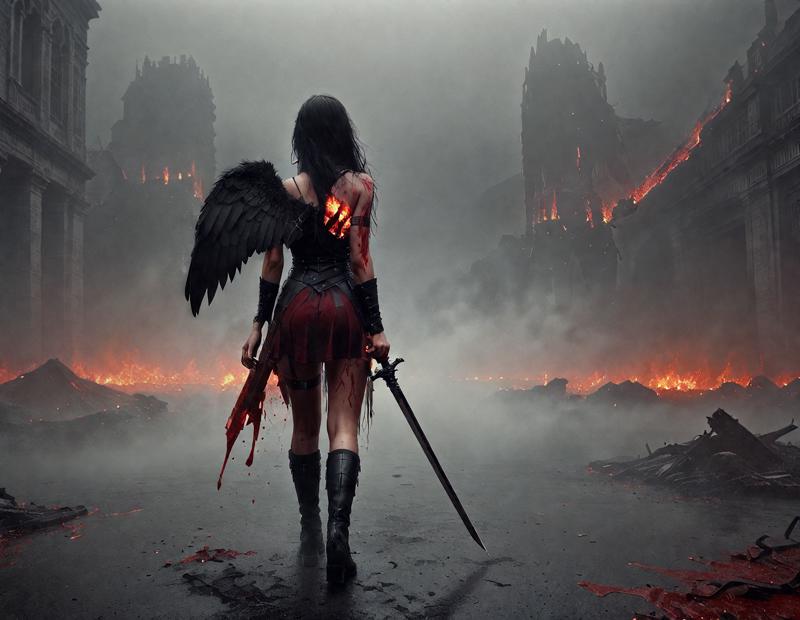 Finally i switch to my Supir workflow to make 2K and 4K version. This add details too.
With this wf u can use section to face swap too.
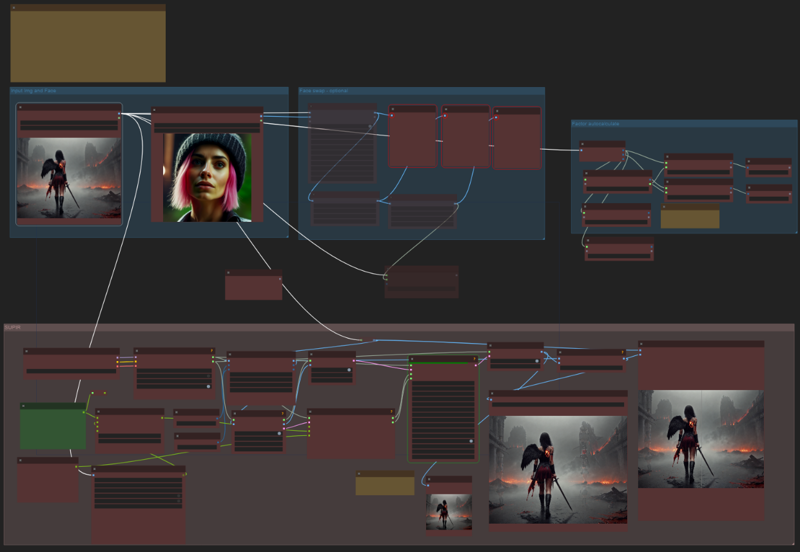
Nice?
Support Paweł Tomczuk on Ko-fi! ❤️. ko-fi.com/aderek514 - Ko-fi ❤️ Where creators get support from fans through donations, memberships, shop sales and more! The original 'Buy Me a Coffee' Page.
Visit my DeviantArt page: Aderek - Hobbyist, Digital Artist | DeviantArt