
Qwen Image Edit 2511 Factory Version 2 (Regular Use/BG Expand/Inpaint/Pose Changer, Refiners, SeedVR2 Upscaler)
25
743
6
Updated: Dec 31, 2025
tool


Release Note
(v1.0 -> v2.0)
[Improvement] For Case 1 (Standard Use), we've enabled the use of multiple images (turn it OFF if you don't use it). This expands the possibilities, such as changing background images.
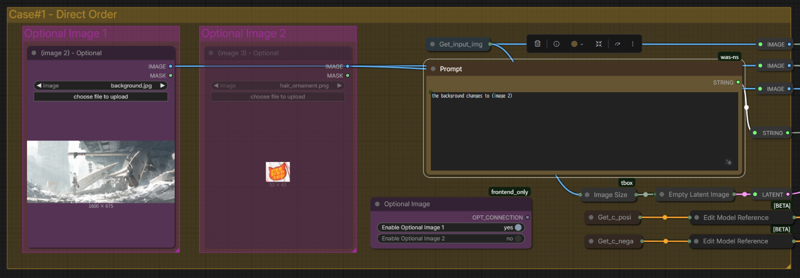
[Improvement] Added Refiner (SDXL). If you created (image 1) using SDXL, this should help make the generated image quality closer to the original.

Overview
In image editing, I believe Qwen Image Edit holds potential. Therefore, I have “industrialized” four cases that will likely be used frequently: standard use, background extension, impainting, and pose replacement.
Usage:
First, select a mode.

-
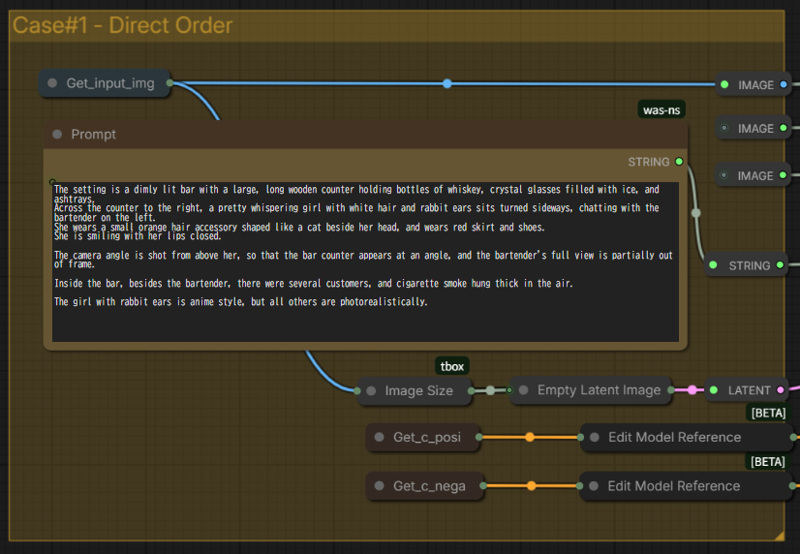
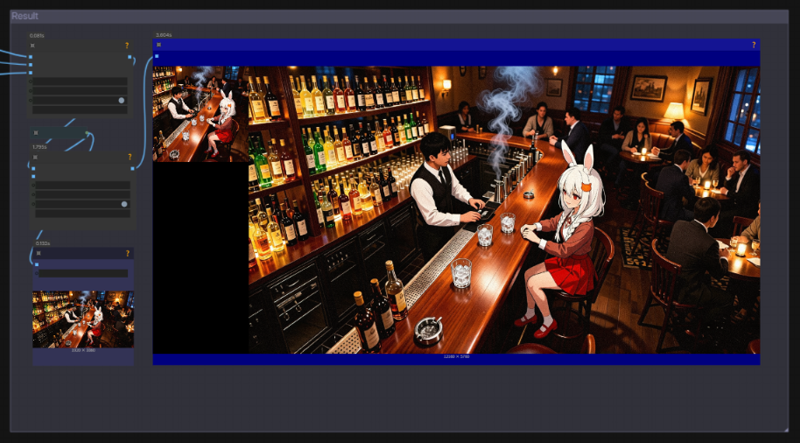
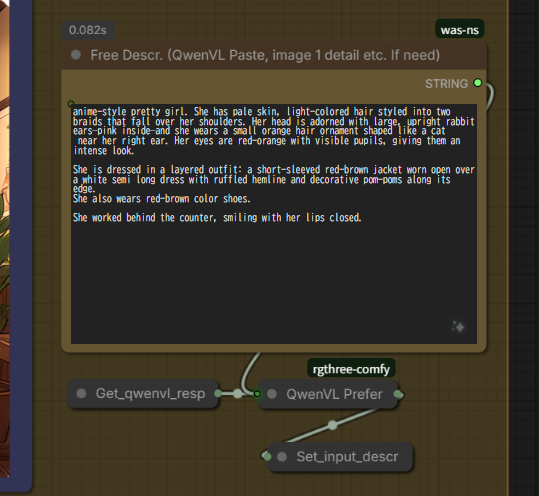
For Case 1 (Standard Use), simply upload the source image to (image 1) and write your prompt.

-
For Case 2 (Background Extension), simply upload the source image to (image 1) and set the resolution.

-
For Case 3 (Inpainting), upload the source image to (image 1), edit the mask (important), then write your prompt. Refer to this WF for prompt examples.


-
For Case 4 (Pose Change), upload the original image to (image 1) and upload an image for the pose to (image 2) (HD quality is preferred). Use DW or Depth for ControlNet.
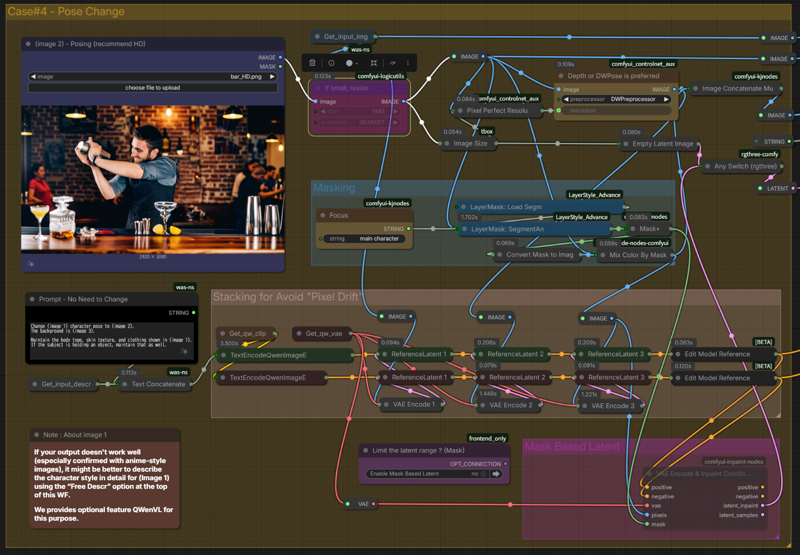
 If you are not satisfied with the result, please correct it with an additional prompt.
-
Additionally, we've provided optional features: a simple Refiner and an Upscaler. Use them as needed.