


(The English translation is at the bottom)
!注意!
このLORAでの作成方法は txt2img ではなく img2img を使います。
作成例をご覧ください。
===================================
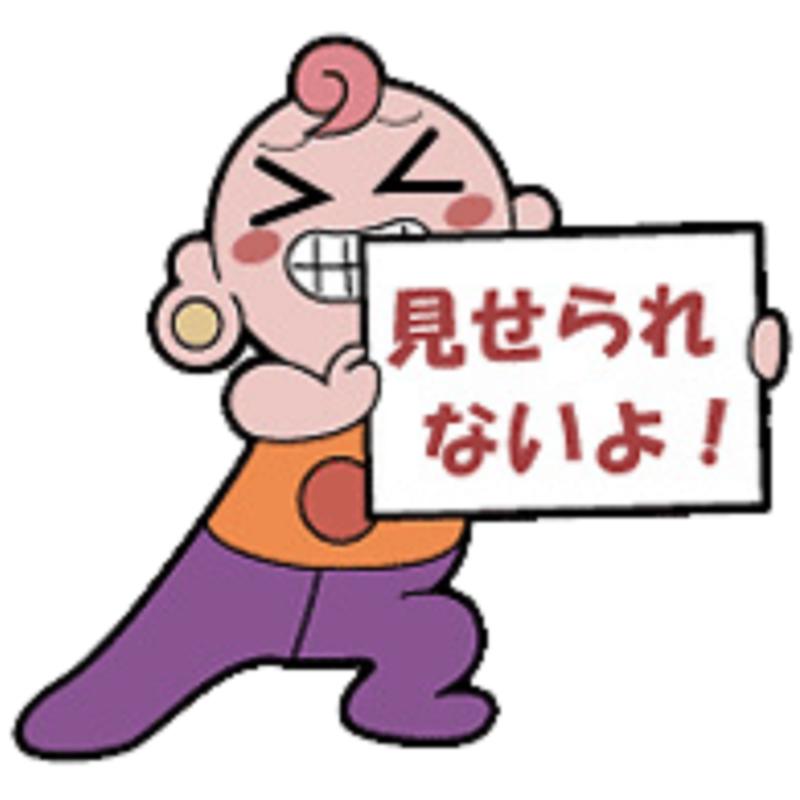
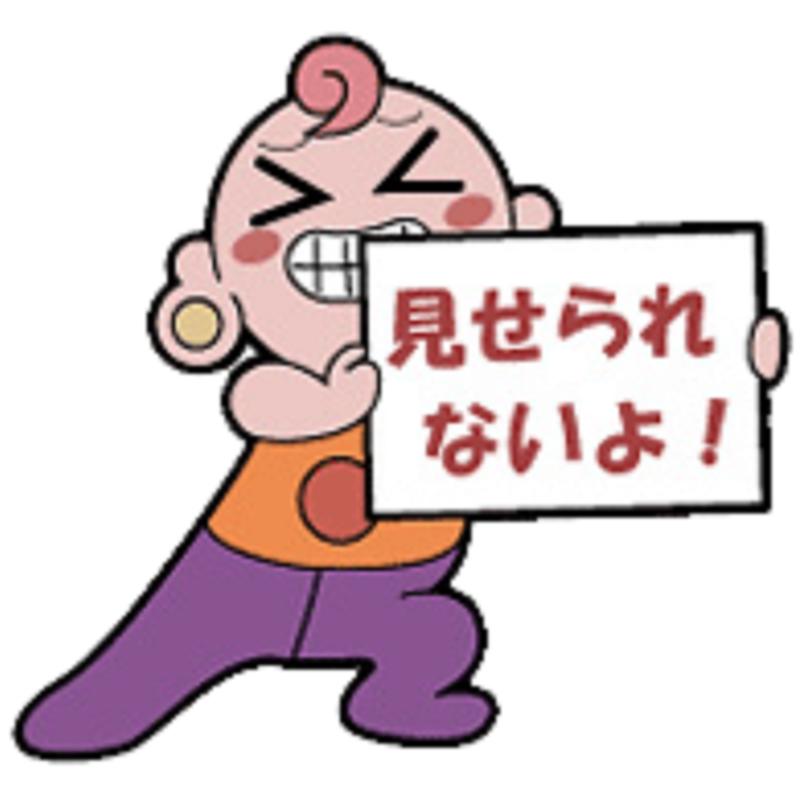
アニメ「ハヤテのごとく!」に出てくる「自主規制君」をIllustrious0.1 でトレーニングしました。
トリガワードは
self_regulation,standing,solo,blush stickers,full body,hands up,holding,holding sign,legs apart,meme,smile,>_<,white background,clenched_teeth,
です。
そのままだと画像が荒れる為
プロンプトに
masterpiece,best quality,amazing quality,highres,absurdres,incredibly absurdres,
ネガティブプロンプトに
bad quality,worst quality,worst detail,sketch,censor,simple background,transparent background,blurry,low quality,
を追加してください。
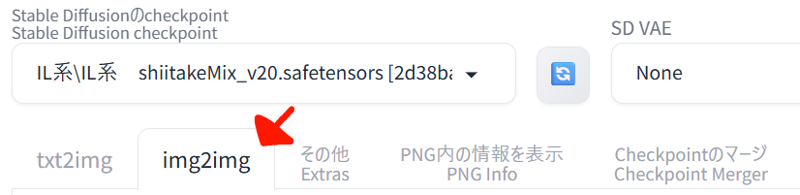
次にこの元となる「自主規制君」の画像をimg2imgの参照画像に貼り付けてください。
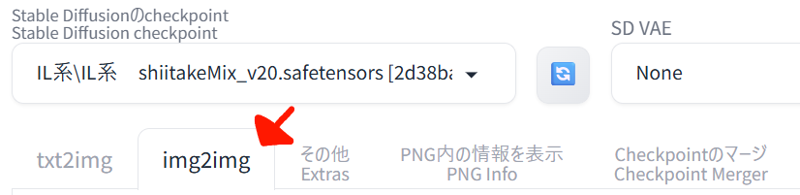
 stable diffusion Re:forgeの場合
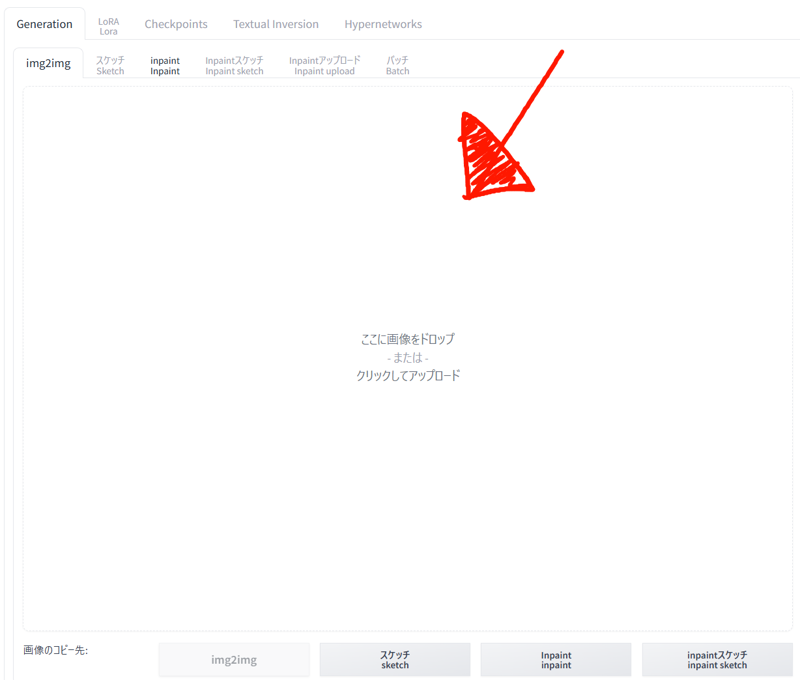 civitaiの場合
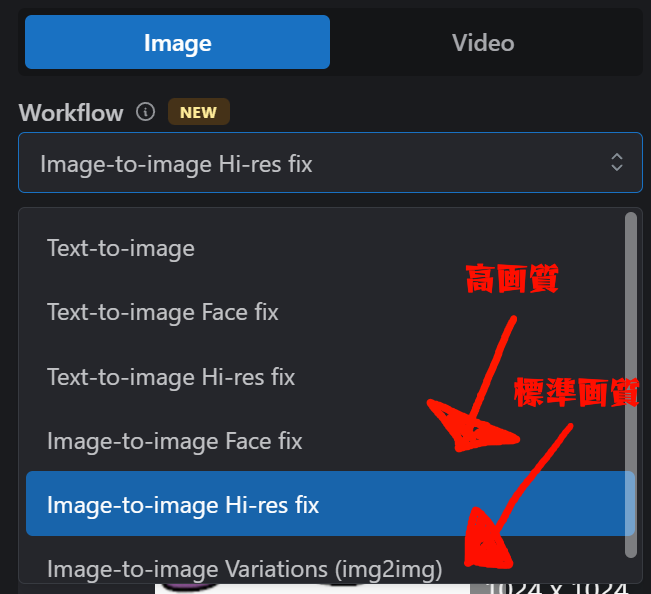
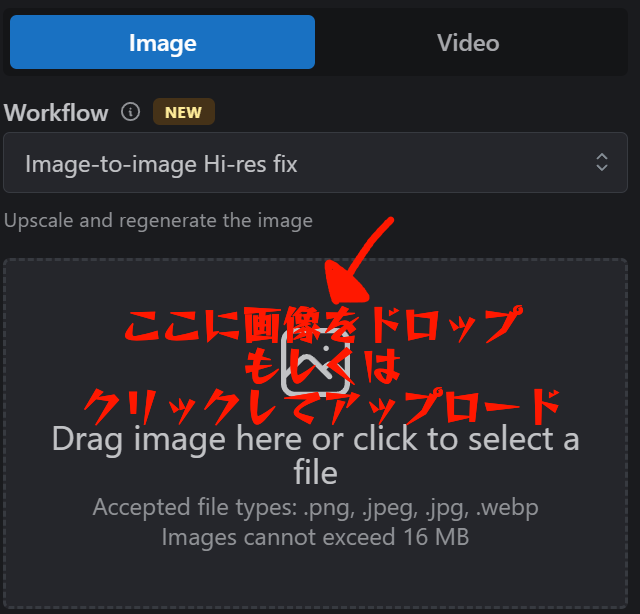
画像サイズは1024x1024に設定してください。
ノイズ除去強度(Denoising strength)を「8」
サンプリングとCFGスケールはお好みで構いません。(自分は DPM++2M karras CFGスケール7 で作成しました。)
サンプリングステップは20程度もあれば良いでしょう。
なおキャラクターとの相性があるらしく、違うポーズや違う体形で出る場合もあります。
その場合プロンプトに「chibi」を加える。もしくはノイズ除去強度(Denoising strength)を0.1づつ下げてみて下さい。
作成例① / ハナコの場合
まず名前(hanako \(blue archive\) )だけ打った場合
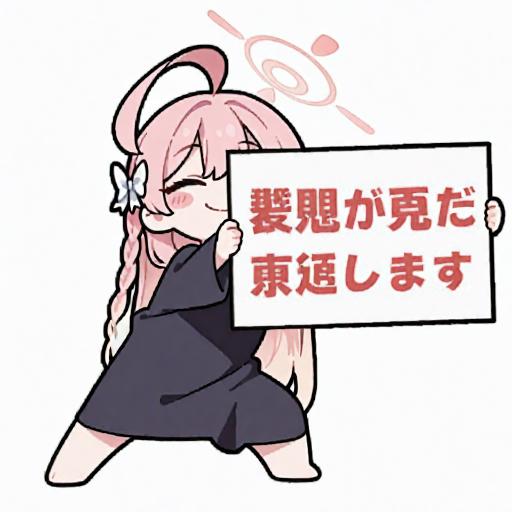
なぜか黒い布をまとった姿で出ます。(なんで!?)
次に 白いセーラー服・リボン・白いスカート・スニーカー と追加した場合
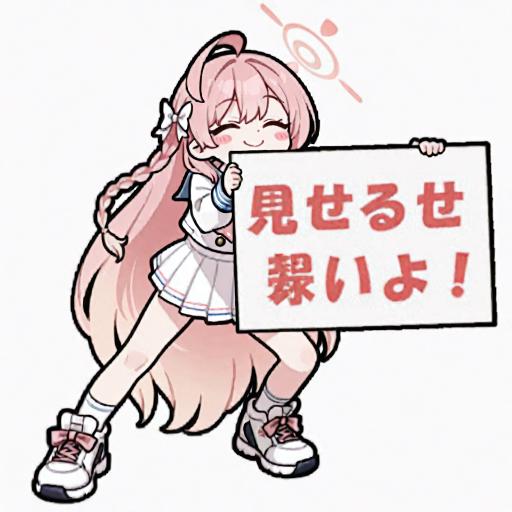
着衣はしましたが、何故か頭身が伸びました。(なんで!?)
更に チビ と追加したら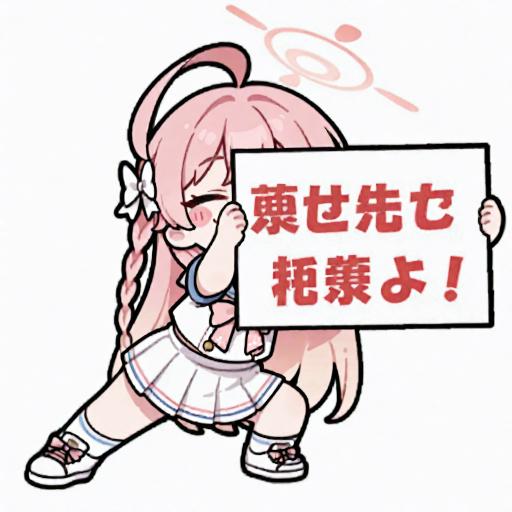
いい感じに出力しました。
作成例② / イブキの場合
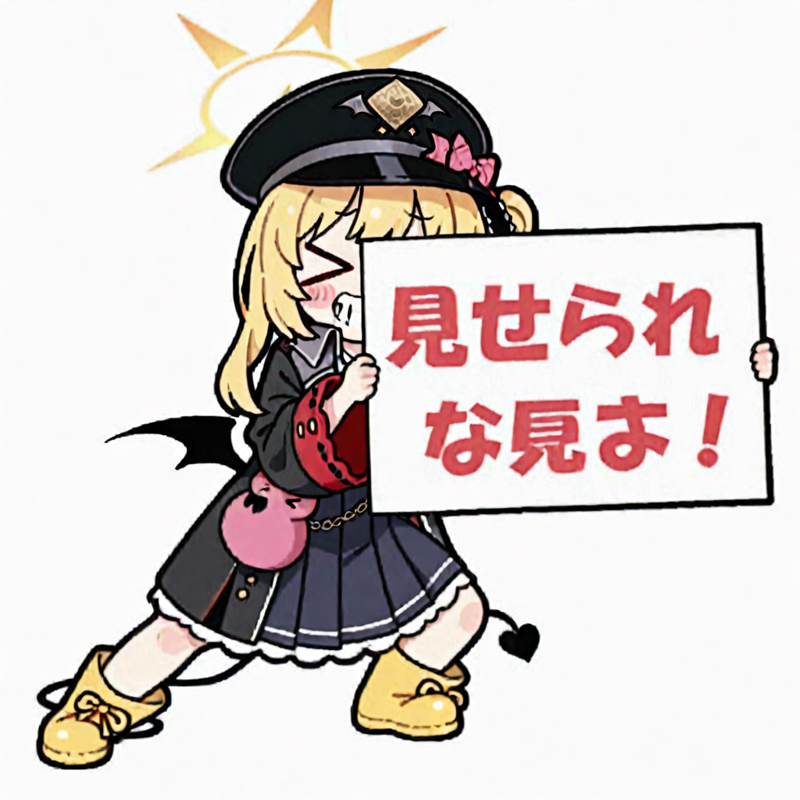
名前だけを入力した場合(ibuki \(blue archive\), )、身長は良い感じで足を広げてボードを持ちますが、膝を曲げず腰を落としません。
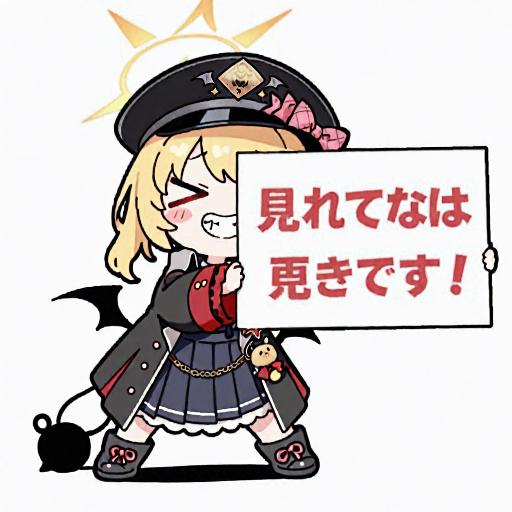
そこでノイズ除去強度(Denoising strength)を0.1下げ7.9にするといい感じになりました。
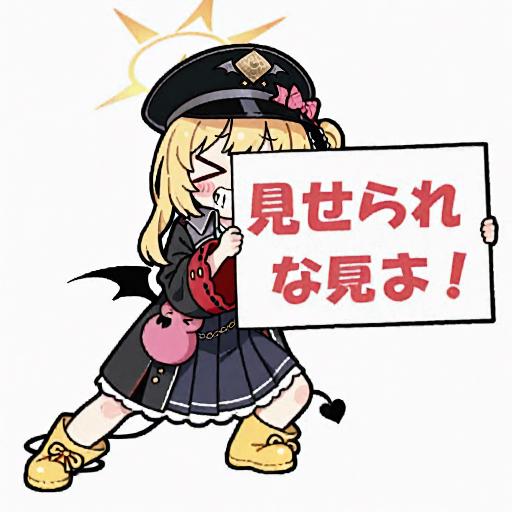
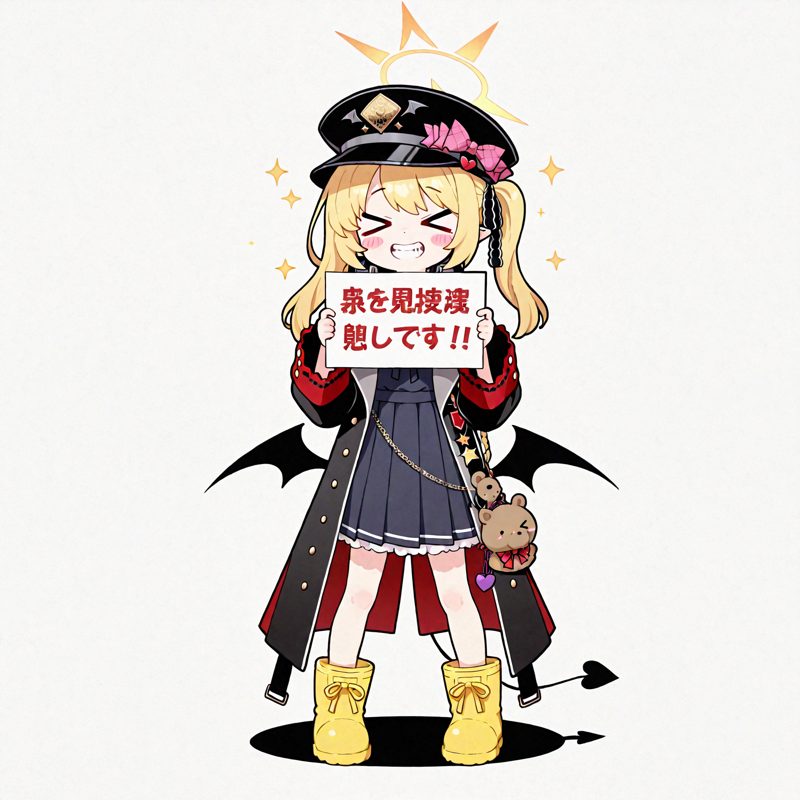
なおtxt2imgを使いLORAだけで作成した場合はなぜか正面を向いてホワイトボードを見せようとします。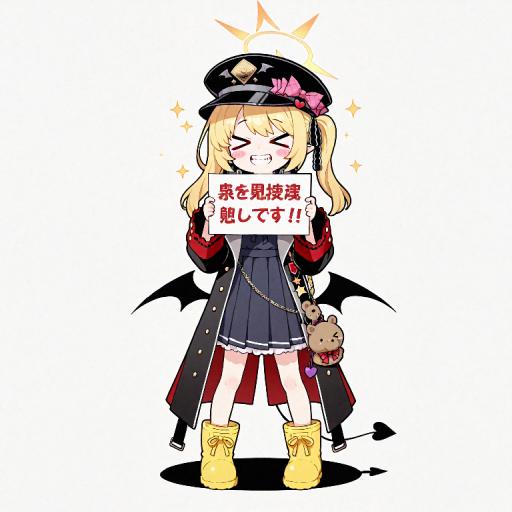
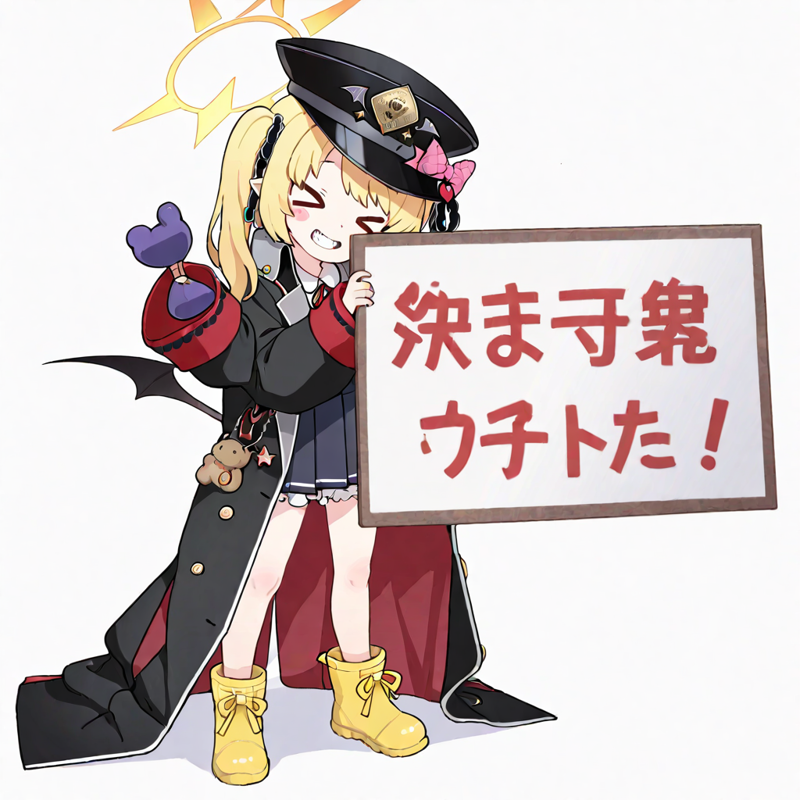
img2imgのみでLORAを使わない場合は、元の絵に寄せようとする感じにはなりますが元の絵からは遠いです。
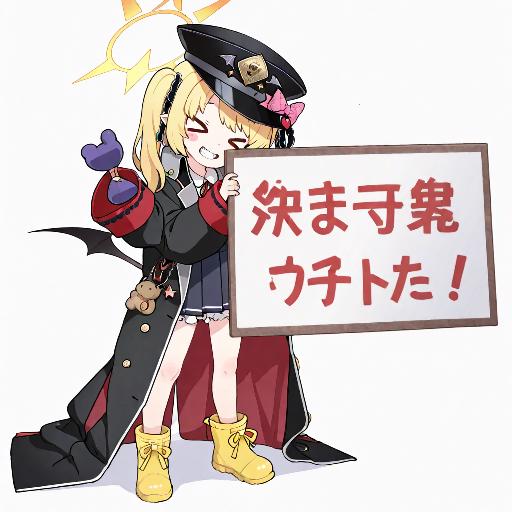
正直なぜこのやり方じゃないと出ないのか?またこのやり方が正しいのかは私には解りません。
「LORAだけでも出るよ」という有識者がいらっしゃいましたら、ご教授お願いします。(礼)
あと流石にホワイトボードに書いてある日本語の出力安定までは無理だったので、そこはお絵描きソフトでイイ感じに編集すると良いでしょう。
文字に留まらず自由な発想でお楽しみください。
~~~~~~~~~~以下英訳(グーグル翻訳)Below is the English translation (Google Translate):~~~~~~~~~~~~~
! Attention!
This LORA creation method uses img2img, not txt2img.
Please see the creation example.
==================================
"Self-regulation" from the anime "Hayate the Combat Butler!" was trained with Illustrious0.1.
The trigger words are
self_regulation, standing, solo, blush stickers, full body, hands up, holding, holding sign, legs apart, meme, smile, >_<, white background, clenched_teeth,
.
The image will be rough if left as is, so
Please add
masterpiece, best quality, amazing quality, highres, absurdres, incredibly absurdres,
to the prompts
bad quality, worst quality, worst detail, sketch, censor, simple background, transparent background, blurry, low quality,
to the negative prompts.
Next, paste the original image of "Mr.self-regulationI" into the reference image of img2img.
 Stable diffusion in Re:forge
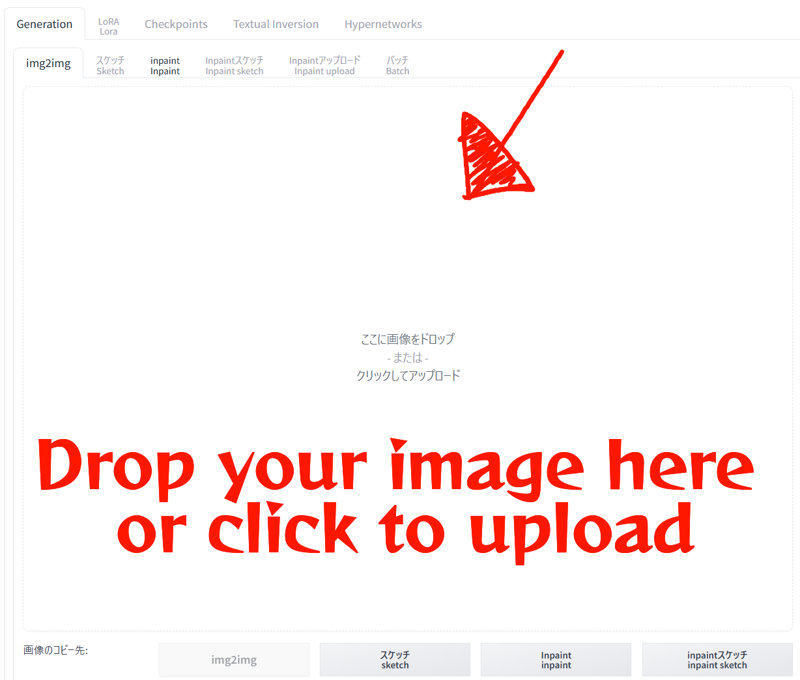 In the case of civitai
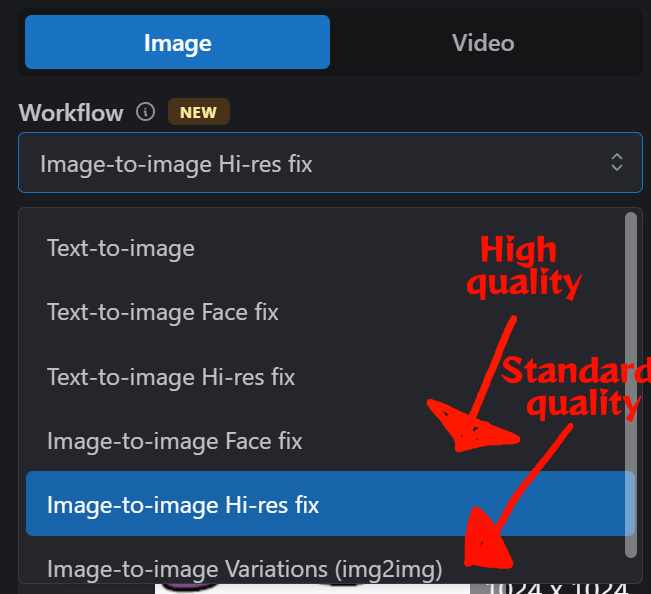
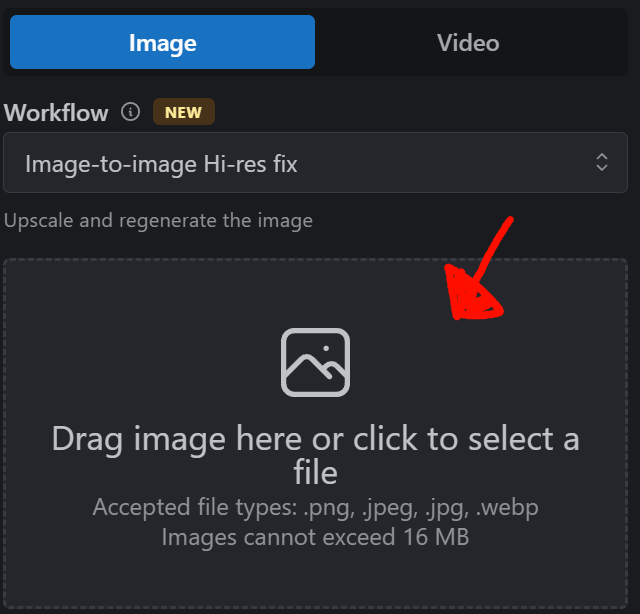
Set the image size to 1024x1024.
Denoising strength to "8".
You can set the sampling and CFG scale to your liking. (I use DPM++2M karras and CFG scale 7.)
A sampling step of about 20 should be fine.
It seems that there is compatibility with the character, so it may appear in a different pose or with a different body shape.
In that case, add "chibi" to the prompt. Or try lowering the Denoising strength by 0.1.
Example 1 / Hanako
First, if you enter only the name (hanako \(blue archive\))
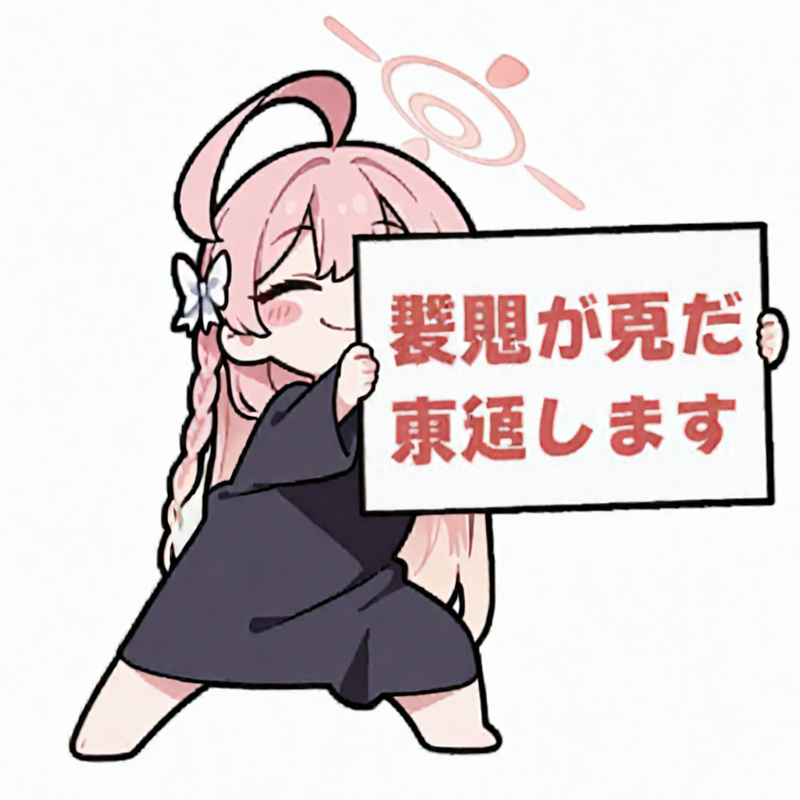
For some reason, she will appear wearing black cloth. (Why!?)
Next, if you add a white sailor uniform, ribbon, white skirt, and sneakers
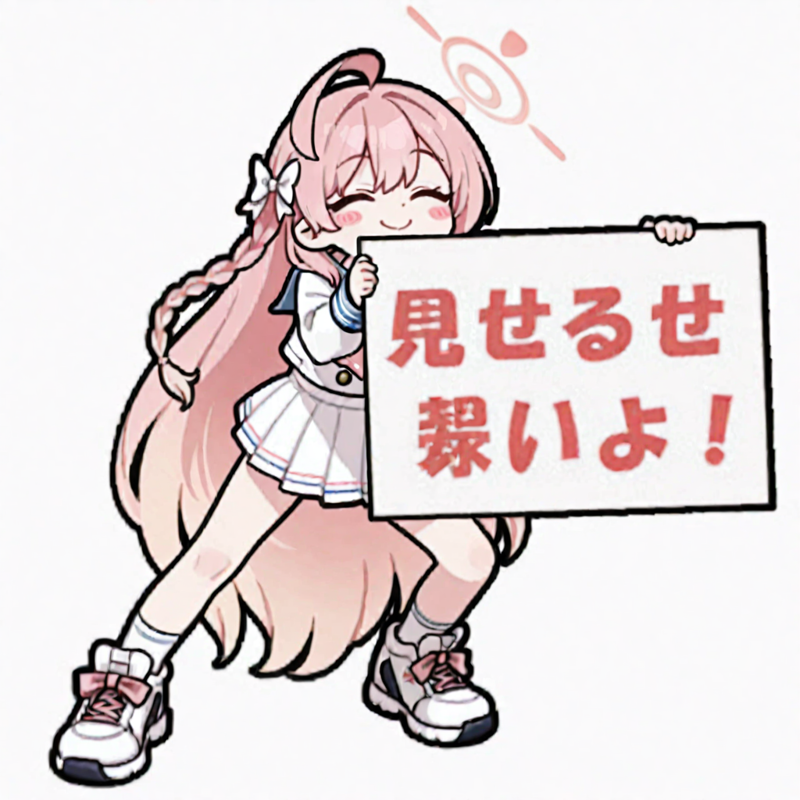
She's clothed, but for some reason her head and body are longer. (Why!?)
Adding "shorty" further made it look good.
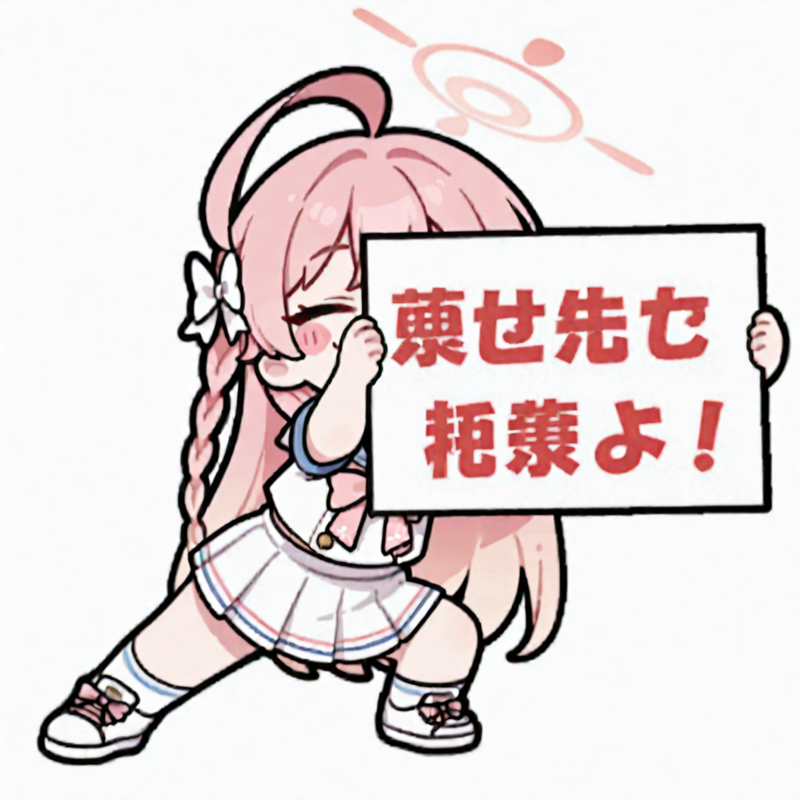
Example 2 / Ibuki
If you enter only the name (ibuki \(blue archive\), ) her height is good and she holds the board with her legs spread apart, but she doesn't bend her knees or lower her hips.
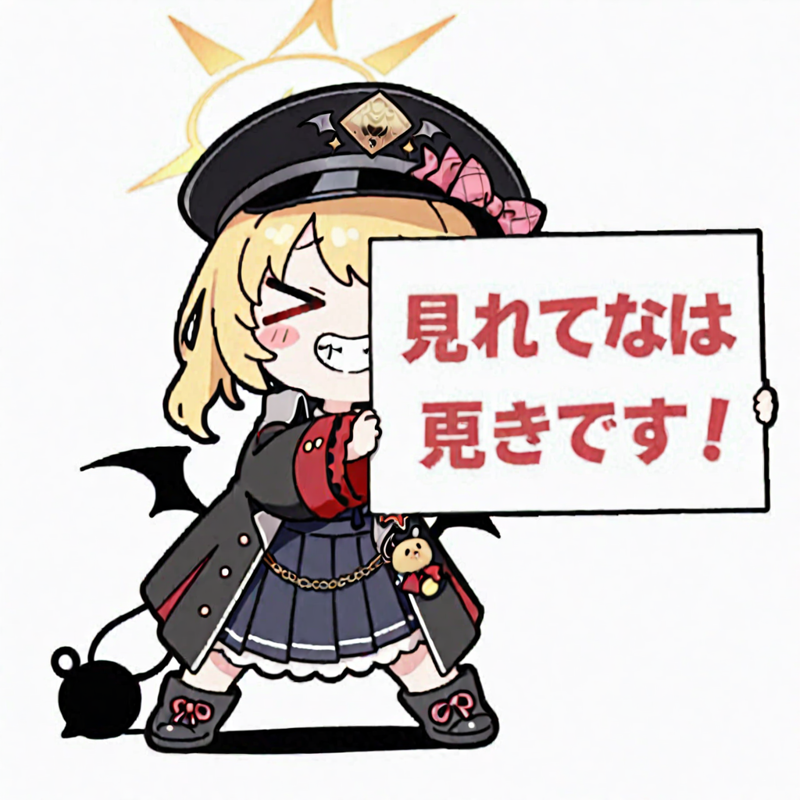
So I lowered the denoising strength by 0.1 to 7.9 and it looked good.
However, if you use txt2img and create it using only LORA, for some reason it will try to face forward and show the whiteboard.
If you use only img2img and don't use LORA, it will try to get closer to the original picture, but it's far from the original.
Honestly, why does it have to be this way? Also, I don't know if this is the correct way.
If there are any experts who can tell me that it will work with just LORA, please let me know. (Thank you)
Also, it was impossible to stably output the Japanese written on the whiteboard, so it would be a good idea to edit it using drawing software to make it look nice.
Don't just use words; enjoy using your imagination.