



Workflow - HiDream Full FP8 + Multistyler 370 Styles
How to install .csv file
Create a Styles folder and insert the styles.csv file into it.
Right-click on the file
Copy as Path
In ComfyUI open was_suite_config.json in Notepad
ComfyUI_windows_portable\ComfyUI\custom_nodes\was-node-suite-comfyui\was_suite_config.json"
Paste path here
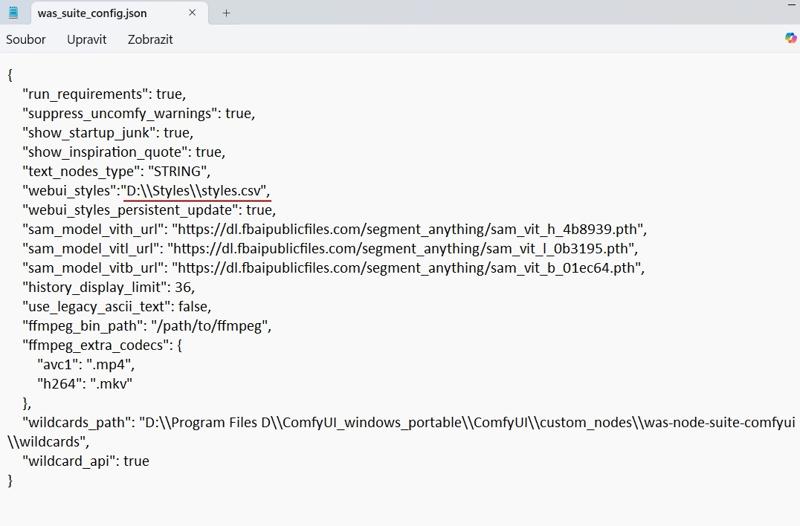 Important! You have to write another slash
"D:\Styles\styles.csv" - wrong
"D:\\Styles\\styles.csv" - good
In Notepad File and Save.
Here's a video tutorial from Pixaroma. It is for Flux but this process is the same.
STYLES
In the styles you will find styles from me and from Pixaroma.
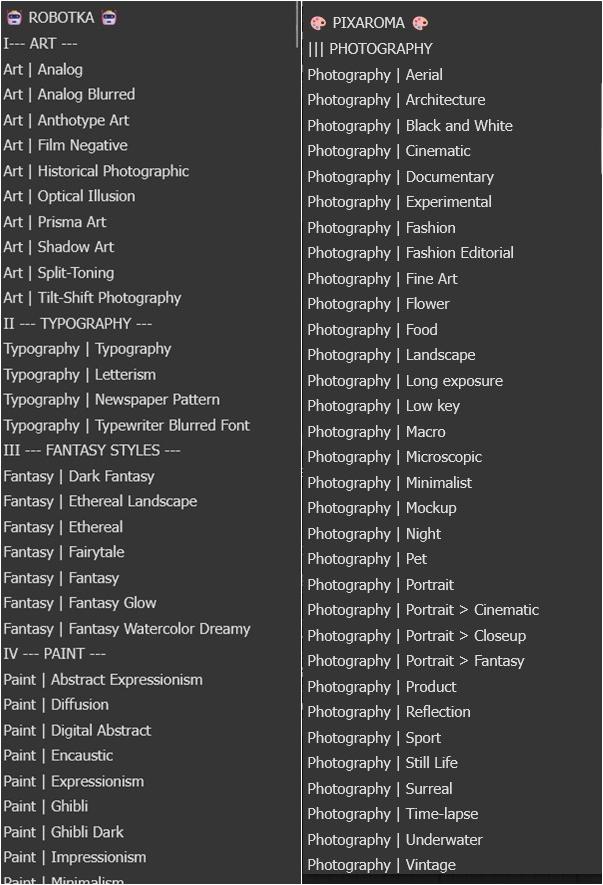
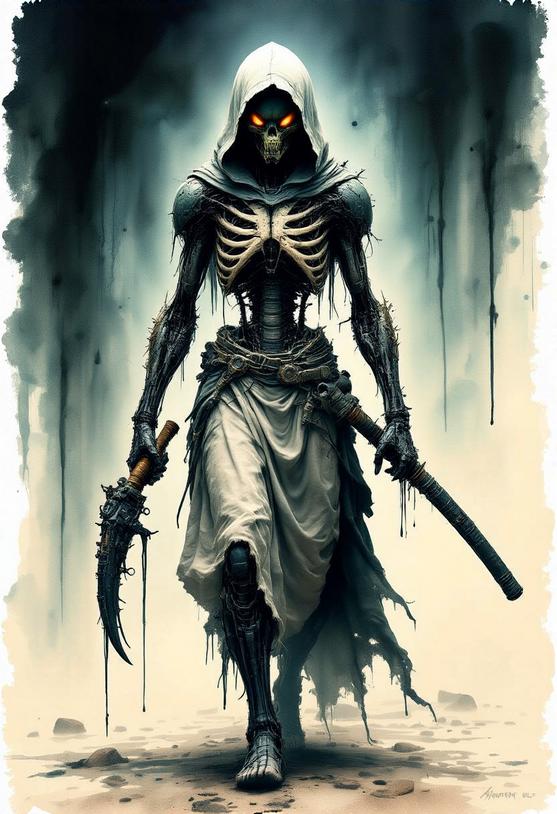
Examples
prompt: alien Ninja walking, hood, catana in his hand
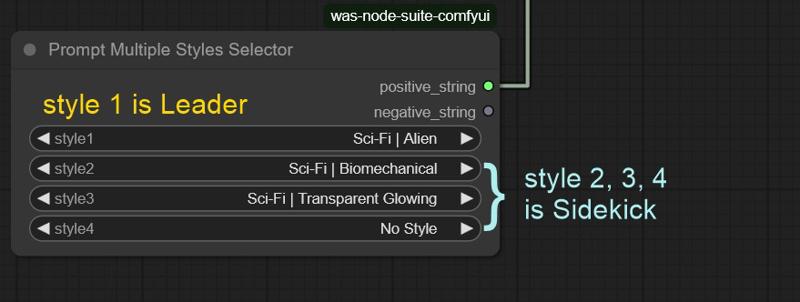
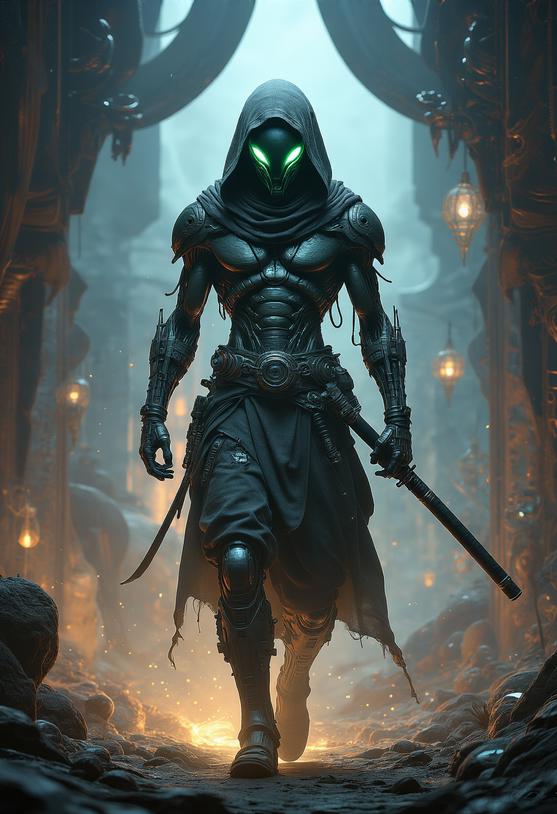
Prompt: Ninja walking, hood, catana in his hand
style1: Sci-Fi | Xenomorph
style2: Sci-Fi | Biomechanical
style3: Fantasy | Fantasy Watercolor Dreamy
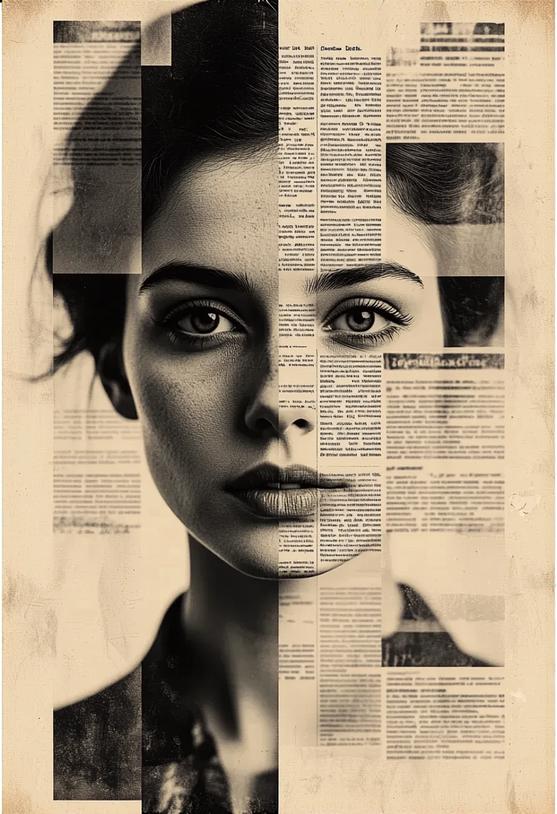
Prompt: woman's face covered with a pattern
style1: Art | Newspaper Pattern
style2: Art | Analog Blurred
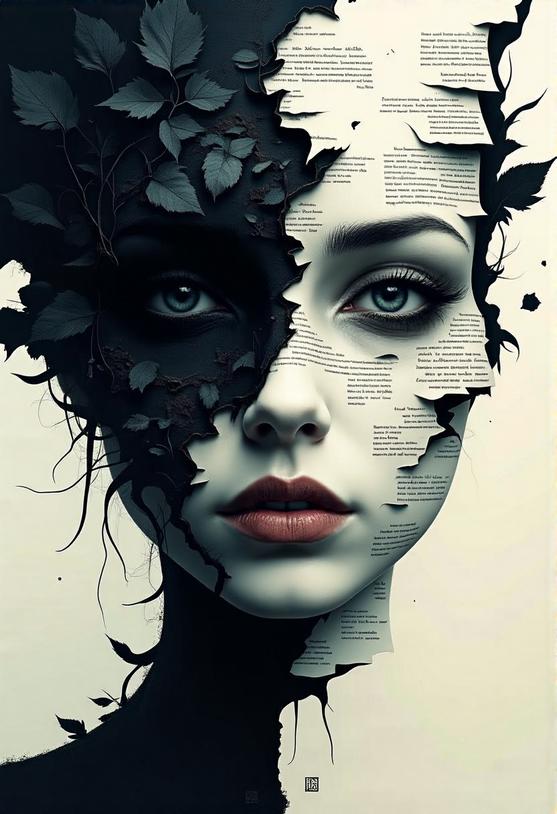
Prompt: woman's face covered with a letters
style1: Typography | Typography
style2: "Paint | Dark Ghibli
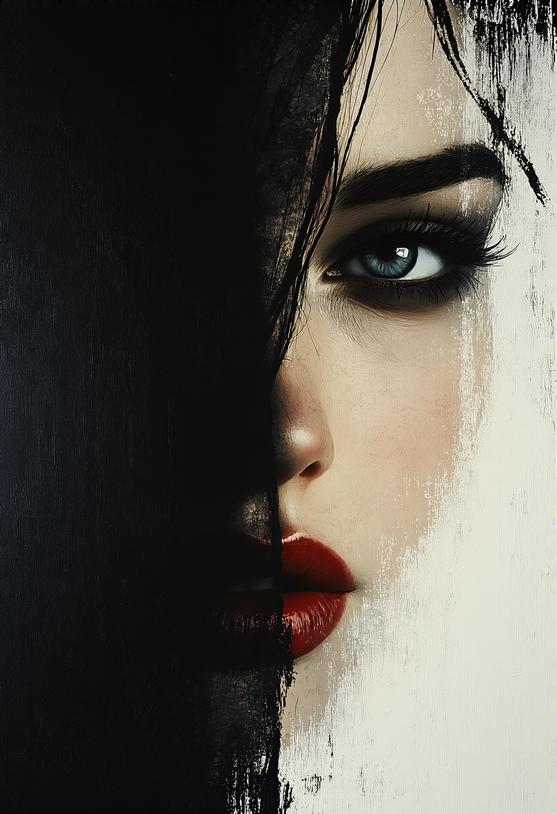
Prompt: "woman's face
Style: Paint | Tenebrism
Recommended generation settings
These recommended generation settings are different from those in the tutorial, but they work well for me.
Sampler
deis
uni_pc
dpm_2
Scheduler
kl_optimal
Steps
25
LINKS
THANK YOU to Pixaroma for his instructions and permission to use his csv file.