
Download
1 variant available


414
2K
49.2K


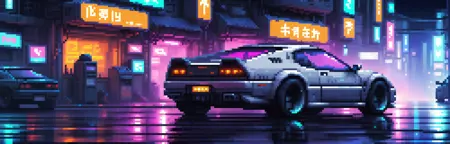
An img2img workflow to convert any picture into monochrome noir style, accenting single color. Works with real life photos! (on some degree)
How it works
B&W filter + Cutoff = B&W picture with single detail colored.
Installation and dependencies
Install WAS Node Suite custom nodes;
Install Cutoff custom nodes;
Download and open this workflow;
(optional) Check "Resources and substitutions" section below for recommended extras.
Resources and substitutions
Complete list of all resources chosen in nodes:
LoRAs: Film Noir Style. It's recommended, but optional. How to substitute: shortcut the node and change text "(NoirStyle:1.2)" to "(monocrome, greyscale:0.5)" in "Trigger prefix" node.
EPI Noise Offset. It's recommended, but optional. How to substitute: just shortcut it.
SD model: Analog Madness. How to substitute: with any model.
VAEs: vae-ft-mse-840000-ema-pruned. Standard, recommended for encoding photos.
vae-ft-ema-560000-ema. Less details, recommended for decoding. How to substitute: use mse-840000.
Note
It's inconsistent. If it's failed to highlight exactly the detail you want, check notes in the workflow for clues. If nothing works, your best bet is to manually edit b&w image, copy-pasting colored detail inside, than process.